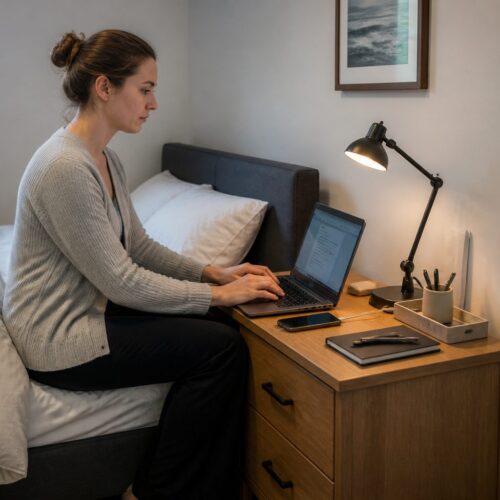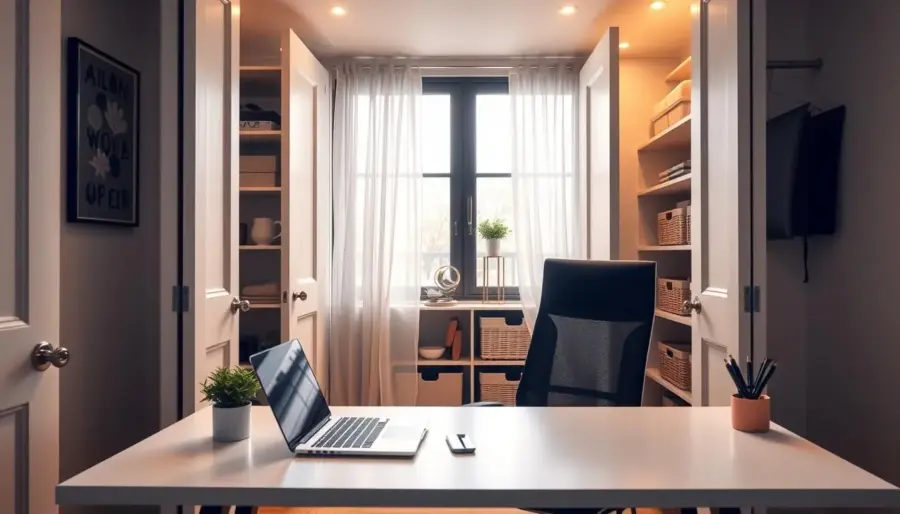
What is a cloffice? It’s a small nook turned into a practical work spot. You’ll learn how to make a former closet feel like a true room, not just a place to squeeze a desk.
Sara Mosele noted fast updates that help: remove the door, add a pendant light, and paint. These simple moves change the look and mood of the space quickly.
This setup grew common during the pandemic when homes lost spare rooms. With careful planning you can still get a functional home office in a small space.
Focus on two pillars: ventilation so the area feels fresh, and layout so your chair, gear, and storage don’t fight for room. The guide will walk you through: choose the right closet, measure and sketch, plan airflow and doors, upgrade lighting and outlets, then optimize shelving.
This guide is for remote workers, students, and anyone needing occasional work space. Success means you can work for hours, reach outlets and supplies easily, and close or style the nook when you’re done.
How to Decide if a Cloffice Is the Right Home Office Space for You
A small storage nook can become a focused work spot when square footage is tight. A cloffice is simply a closet turned into a functional workspace. It worked for many households that lost a spare room because it uses existing walls and wiring with minimal changes.
Pick visibility or a hideaway
Decide if you want an open nook or a concealable setup. Keeping doors gives privacy and hides clutter, while an open opening makes the area feel larger and improves airflow. Many DIYers remove bi-fold hardware to create a cased opening, but some keep doors to hide mess.
Which type fits your routine?
Compare reach-in, a bi-fold nook, and a walk-in closet. A bi-fold in a primary bedroom often adds noise separation from main living areas and gives a solid place for a desk and storage. A walk-in supports larger desks and more gear. Reach-ins work best for laptop-only setups.
- Quick reality checks: width and depth for a desk and chair; door swing or traffic paths; ability to add lighting and ventilation.
- Think about your daily setup: laptop vs. monitor, printer needs, and paperwork to avoid a clutter trap.
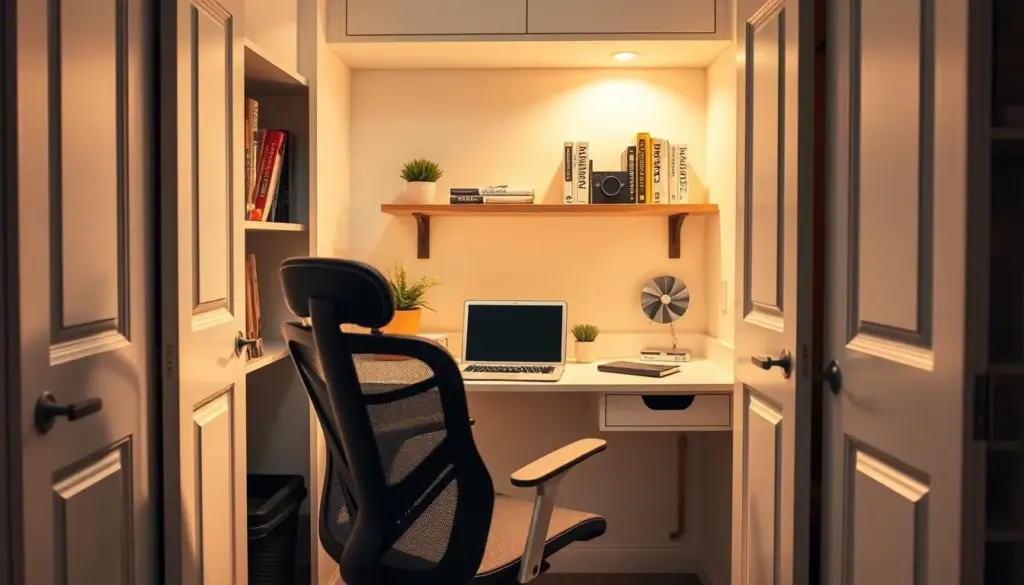
Closet office conversion Planning: Measure, Sketch, and Set Up the Essentials
Start by measuring every wall and the opening so your workspace fits without surprises. Note width, depth, door swing, and any trim that limits chair travel.
Measure for the desk and chair: test a proposed desk width against the wall measurements. Try a mock desktop if you can—one build recorded just under 24″ depth and another measured 53″ by 64″. These examples show how inches change comfort.
Plan desktop depth so you can reach shelves and supplies. Keep the desktop shallow enough to touch the back wall when seated, but deep enough for a monitor. Too-deep desktops make grabbing items awkward.
- Sketch a layout before buying materials; inches matter in tight space plans.
- Map storage: everyday supplies, paperwork, tech gear—decide where shelves, drawers, and cabinets go.
- Reserve a vertical zone for tall items on one side so tripods or rolls stand upright.
Decide what stays vs. goes: remove rods and brackets that block a desk; keep the top shelf only if it won’t crowd headroom. Set a realistic project scope—quick, reversible updates or a deeper reframing job—and measure twice to make sure the chair slides in and out easily.
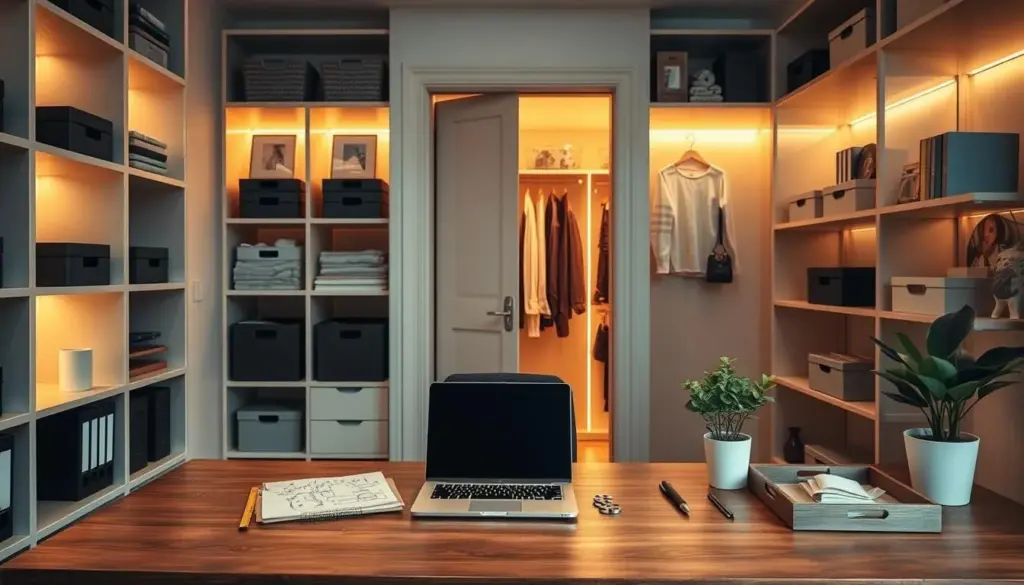
Ventilation, Doors, and Airflow: Keeping Your Closet Office Comfortable
Good airflow makes a small work nook feel larger and keeps you alert through long work sessions. How you handle doors and vents changes comfort more than many cosmetic updates.
Door options and how they affect air
Removing doors opens the nook to the room and boosts circulation. Many DIYers remove bi-fold hardware and finish a cased opening for that open look.
Keeping bi-folds or a door gives privacy and hides clutter when you finish work. Replace knobs or hardware to improve the way the door closes without heavy demolition.
Check vents and returns before installing shelves
Identify supply vents and the air return on the side wall so you don’t block them. If you use a return as a ledge, make sure the opening stays clear and shelves never cover the grill.
Fixes for heat and stuffiness
- Keep the door open during focused work blocks and seat the chair near the opening to improve flow.
- Add a small quiet fan or a vented shelf for gear that produces heat.
- When the cloffice sits near living areas, balance noise separation with planned ventilation so the area stays fresh.
Good ventilation helps you work longer and feel better. Plan airflow early and the space will both look and function like a real room.
Lighting and Electrical Setup for a Functional Closet Office
A well-planned outlet and lighting scheme turns a narrow space into a reliable workspace. Electrical work is non-negotiable because you need steady power for your computer, monitor, and daily desktop gear.
Add an outlet where you can reach it. An electrician often places a receptacle at shelf or desktop height on the front wall so plugs are easy to access. Don’t hide the outlet behind a monitor, blocked by drawers, or trapped by a door swing.
Upgrade lighting for real work
Replace a lone bulb with an LED flush mount for even, bright light that reduces eye strain. Sara Mosele and other pros recommend a small pendant for style, plus task lights to cut shadows on your desk.
Options when wiring is limited
- Battery-operated puck or strip lights for shelf glow.
- Rechargeable task lamps clipped to a shelf edge for focused light.
- Safe extension-cord planning: route cords neatly along walls and plan pass-throughs as part of trim work.
Plan outlets and light placement before you install shelving or paint. That timing saves work later and keeps cords and part management tidy so the space feels like a real home office.
Layout Tips That Maximize Space: Desk, Shelving, and Storage That Stay Organized
Smart layouts let a narrow nook work like a full-size workspace without feeling cramped. Pick a desk approach that fits your footprint: a mounted or floating top for open legroom, an antique vanity with drawers for built-in storage, or a desktop set on cabinet bases for durability and hidden drawers.
Desk sizing and chair clearance
Size the desktop so your knees clear the underside and the chair slides out easily. Keep depth shallow enough to reach items but deep enough for a monitor and keyboard.
Shelving that uses vertical space
Attach 1×2 supports into studs and use 1/2″ plywood shelves for strength. Trim the edges to get a built-in look and place the first shelf high enough so a monitor sits below it.
Storage zones and styling
Organize by zone: everyday items on the side closest to you, back-stock supplies higher up, and display-worthy pieces where doors or sightlines show them. Use baskets, acrylic file holders, and fabric boxes to keep small items tidy.
Cord and equipment management
- Pass-throughs: drill a hole behind your monitor large enough for plug ends.
- Route wires along the wall with hooks and keep power bricks off the desktop.
- Hide a PC tower inside a cabinet base and cut a vent opening so it can breathe.
Style that supports function
Finish walls with beadboard, paneling, or peel-and-stick wallpaper and a fresh coat of paint to make the nook feel like part of your home. If doors remain, check shelf depth so the door closes cleanly; if the door is removed, treat the back wall as a focal point and style it accordingly.
Conclusion
Wrap up your project by checking function before style—test airflow, reach, and lighting in a real work session.
Confirm the decision path you followed: verify the closet is viable, measure and sketch, set a door and ventilation plan, then handle electrical and lighting before final layout and styling.
Prioritize comfort wins: steady airflow that prevents stuffiness, reachable outlets, and bright task lighting so you can focus for hours without strain.
Keep the main layout rule in mind: maintain shallow desk depth and reachable shelves so the space stays usable, not frustrating.
Organize in zones (desktop essentials, shelf storage, tall-item space, and cord management) and start small—fresh paint, a proper light, and a right-sized desk—and iterate as your needs change.