

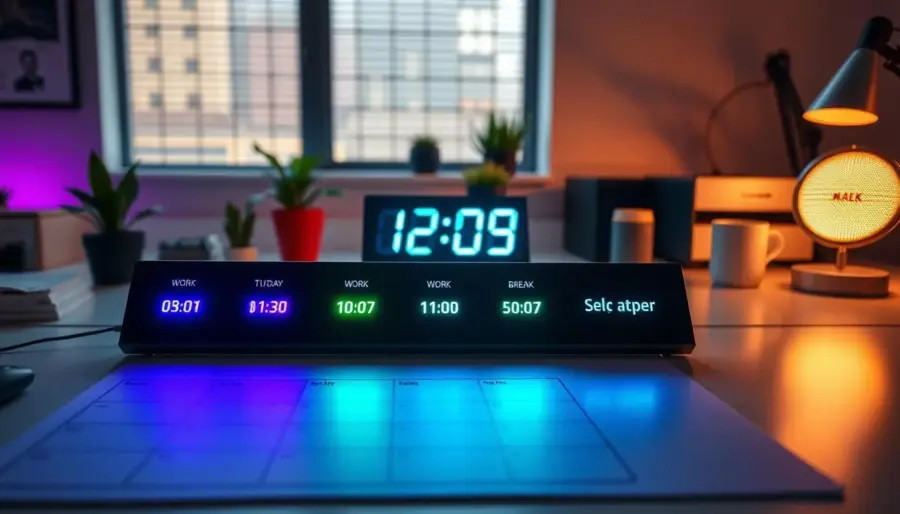
You can turn everyday light cues into a simple system that tells you when to focus and when to rest. Automating your environment removes one more decision from your day. A set routine helps you start work on time, step away for breaks, and avoid wasting power when lights stay on.
Use app-based control and voice commands to set scenes, dim or shift color, and create a dependable schedule that runs in the background. This setup relies on Wi‑Fi or Bluetooth and common features you’ll find in Ring Smart Lighting or Legrand Home + Control.
Expect practical wins: fewer distractions, cleaner transitions between work blocks and break blocks, and less chance you leave lights on unnecessarily. You’ll also learn time-based rules, sunrise/sunset timing, day-of-week variations, and quick overrides when plans change.
Key takeaways: Automate cues to reduce decision fatigue, save energy, and support productivity. The guide stays tool-agnostic while using real app workflows and features.
How light cues shape your workday routine at home
A simple change in brightness or hue can tell your brain it’s time to work or time to rest. Use clear, repeatable signals so your day flows with fewer decisions and less friction.
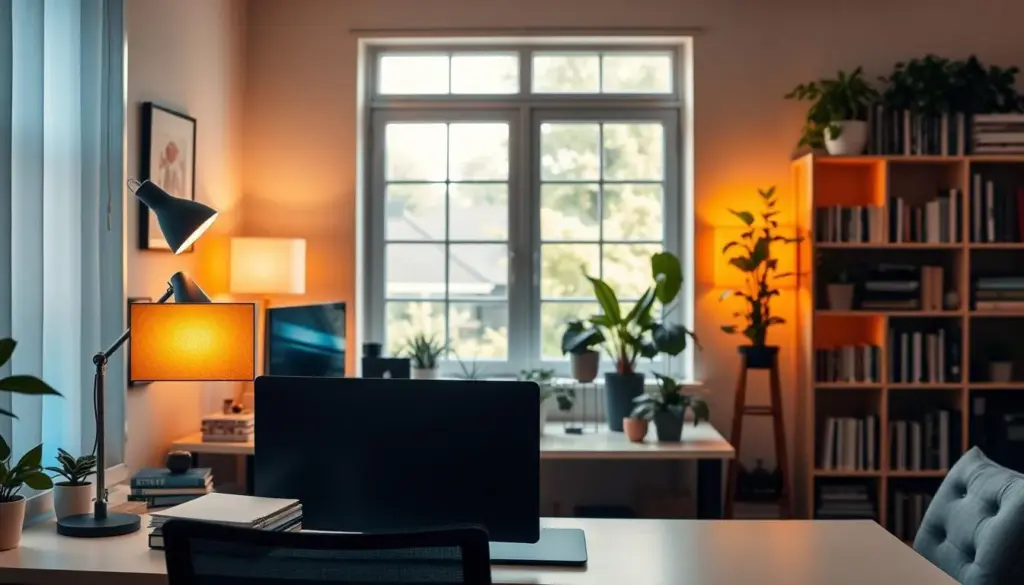
Using brightness and color changes as “start work” and “take a break” signals
Brighter, cooler light works well as a start-work cue. It helps wake you up and prime focus before a meeting or deep task.
Softer, warmer color signals a break. It lowers alertness subtly so you step away without a hard stop.
Reducing mental load by letting schedules handle repetitive lighting decisions
Automated scenes remove routine tasks like switching lights at dusk or dawn. That one less choice reduces stress and keeps your attention on work.
Balancing productivity and comfort with consistent day-to-day timing
- Match brightness to the activity: higher for focused work, lower for recovery.
- Use gentle color shifts for long screen sessions so the light supports rather than overstimulates.
- Keep cues predictable but easy to tweak when home life interrupts your plan.
Keep it simple: the best cues are ones you’ll actually use—repeatable, comfortable, and quick to adjust.
Set up Smart lighting schedules that match your work and break times
Pick scheduling methods that match how your day actually flows, whether you start work at a fixed hour or follow the sun. This helps you automate clear work and rest cues without constant fiddling.
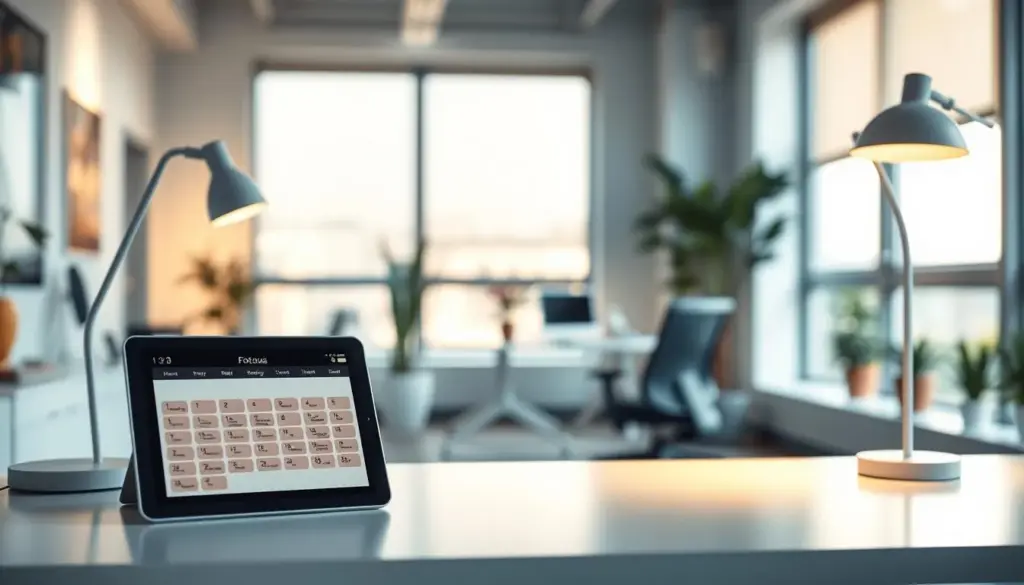
Time-based scheduling for fixed routines
Use a time-based schedule when your routine is steady. Set lights to change a few minutes before a meeting or at lunch to mark transitions.
For example, shift a desk light at 8:55 AM to signal “work begins at 9.” Fixed times give predictability and make your day smoother.
Sunrise, sunset, and astro timer options
Astro timers use your location to adjust automatically for sunrise and sunset. This means your lights match real daylight changes without manual edits.
Dusk-to-dawn and offset-from-dusk options add fine control so lights don’t come on too early or stay on too late as seasons change.
Day-of-week planning, duration, and scale
Set separate rules for weekdays and weekends so Monday–Friday focus blocks differ from relaxed weekend days.
- Duration: Avoid overly long on-times—more than 12 hours can hurt solar or battery life and waste power.
- Naming and copying: Name schedules like “AM Focus” or “Evening Wind-Down” and copy them to other devices or groups.
- Grouping: Apply a schedule to a room or group so one change updates multiple lights at once.
Create your schedule in a lighting app and keep it easy to adjust
Start in the app to create repeatable actions that mark work blocks and breaks automatically.
Build actions from Settings → Schedules
Open the app, go to Settings, then Schedules (or the equivalent menu). Create a new action and choose an exact time or an astro option tied to sunrise or sunset.
- Tap “+” to add an Action Schedule.
- Pick the time or sunrise/sunset, select days, then choose which lights or rooms to include.
- Validate and repeat to add an off action for breaks or end of day.
Pick which lights, zones, or rooms shift
Select only your workspace lights so the rest of the home stays comfortable. Name each action—“AM Focus,” “Lunch Break,” or “End Day”—so edits stay modular.
Make quick changes when plans shift
Use remote control on your device to toggle a schedule off, copy it to another device, or override a single action. Ring and Legrand apps let you pause or adjust in real time, so automation supports your day—not fights it.
Best practice: keep names clear and actions short so small changes are fast and painless.
Use automation modes that respond to real life, not just the clock
Make lighting follow the room, the weather, and your flow—so you do less switching. Clock-based plans work until a cloudy afternoon or a dark winter day makes them unreliable. In those cases, automation adds the context time alone cannot provide.
Light Sensor Automation keeps devices off during bright daytime conditions and turns them on only when it’s actually dark. Ring’s sensor option reduces needless on-time and can be toggled off if you prefer fixed times.
Preset scenes you’ll use every day
- Deep Work: bright, steady output for focus.
- Screen Time: balanced brightness to reduce glare.
- Short Break: warmer, softer light to relax.
Keep scenes simple so you can switch rooms or devices quickly. Use a small set of presets and name them clearly for fast edits.
Voice control as your hands-free fallback
When you’re on a call or away from your phone, voice control (example: BlueHopper) lets you turn lights on, change color, or swap a preset scene without interrupting work. Combine sensors, presets, and voice so your system adapts to the way you actually live and work.
Optimize settings for energy savings, battery life, and security
Make on/off decisions automatic so your system stops burning power when no one is home or natural light is enough.
Keep lights on only when required. That single habit reduces wasted energy and cuts nightly drain. Use occupancy or daylight triggers so lamps don’t run all night or during bright afternoons.
Set brightness with intent. Wired fixtures often offer a 1–10 slider for fine control. Battery and solar devices use Default Glow to preserve charge, and select units offer Adaptive Glow for short, brighter bursts.
- Watch schedule length: limit on-time for solar devices; extended runs over 12 hours can speed battery depletion.
- Account for weather: several overcast days will reduce solar recharge—shorten the schedule or lower brightness to conserve power.
- Use security routines: keep consistent timings at home, and switch to randomized or sunset-based patterns when you’re away so your home looks occupied.
- Pair devices: link lights with cameras or alarms so a schedule change can trigger recording or alerts, giving layered control without extra effort.
Small settings yield big wins: adjust brightness for focus or ambiance, trim unneeded run time, and tie lighting into your smart home for safer, more efficient control.
Conclusion
Try a small experiment this week: pick your workspace and add one “start work” cue and one “break” cue so transitions feel automatic.
Begin with a simple schedule that changes a key light or group of lights. Then layer in scenes, a sensor, or an astro/location option so the system adapts without extra effort.
Keep names clear and copy settings to other rooms as you expand. The right lighting at the right time cuts wasted energy and keeps your home comfortable and productive.
Next step: set the two cues in your app, test them for a few days, and tweak until it feels natural in your daily life.


