

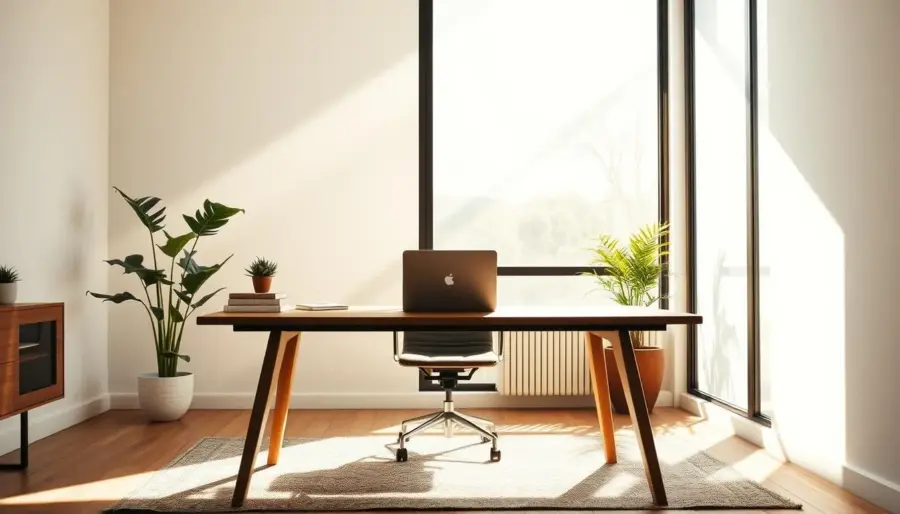
You want daylight in your workspace without the glare that ruins screens and causes eye strain. This guide shows how to keep useful daylight while avoiding direct sun on task surfaces. You’ll learn simple moves that make your room feel bright and calm.
In practice, natural light management means placing your desk, controlling direct sunlight, and reducing reflections. These steps let you enjoy natural light and keep screens readable.
We’ll cover building orientation, window placement, shading, redirection strategies, and interior surface choices. Daylight shifts by time of day and season, so a smart mix of daylight and lighting controls works best for US homes.
Expect clearer screens, fewer squints and headaches, and better comfort. You may also use less electric lighting during peak daylight hours, improving energy efficiency. The aim is not maximum sun but useful daylight—bright enough to feel alert and soft enough to avoid harsh glare.
Why daylighting matters for your home office health, comfort, and energy use
How daylight fills your home office affects your sleep, focus, and energy use. Exposure to good daylight helps regulate your circadian rhythm, so you feel alert during the day and sleep better at night.
The benefits are practical: well-timed daylight can improve mood and reduce the need for electric lighting during peak hours, boosting energy efficiency in many US homes.
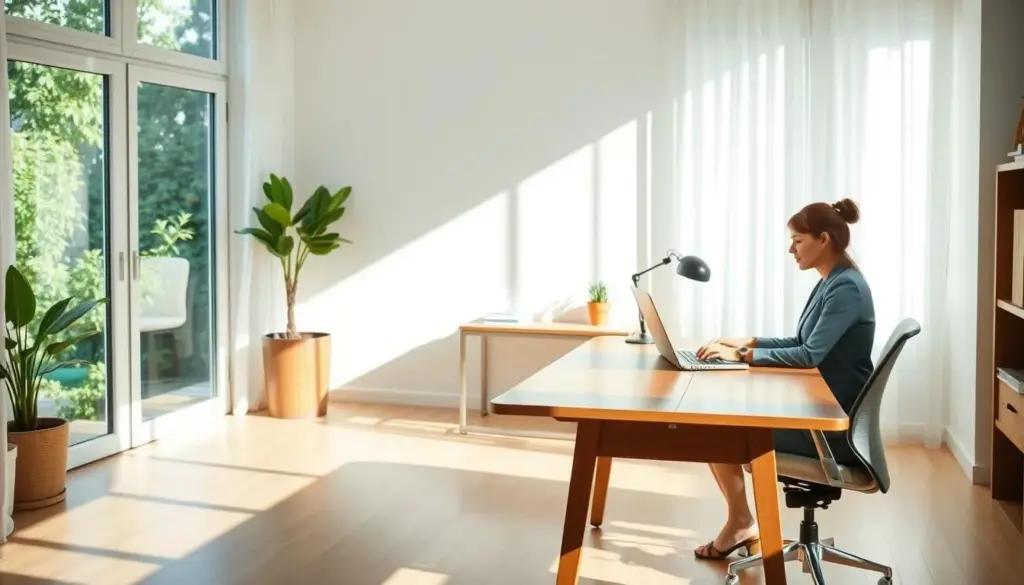
How exposure supports well‑being and comfort
Daylight exposure gives higher-intensity, blue‑rich cues early in the day that help your body stay on schedule. That means better concentration and fewer afternoon slumps.
Daylight vs. electric lighting
Electric lighting is great for tasks but often lacks the intensity and spectrum that trigger circadian effects. Most people need a smart mix of daylight and electric lighting throughout the day to balance comfort and visual needs.
Where glare and eye strain start
Glare often begins with small, bright spots—sun streaks on a desk, a window in your line of sight, or reflections from glossy surfaces. These create high contrast that makes screens harder to read and causes squinting.
- Good brightness = even, diffuse daylight that fills the room.
- Bad brightness = small, intense sources that create contrast on screens and surfaces.
- Your desk finish, wall sheen, and flooring play a major role in how much reflection reaches your eyes.
Keep the goal simple: a workspace that supports focus, reduces squinting, and stays comfortable as the day changes.
Natural light management basics: how sunlight actually enters your workspace
Understanding the paths that sun and reflected rays take helps you stop glare before it starts.
Direct sunlight and why it triggers harsh glare on task surfaces
Direct sunlight is the most common culprit. When sun hits your desk or monitor it creates bright, high-contrast patches that overwhelm screen brightness.
That makes text look washed out and forces your eyes to work harder. You may find yourself shifting position or squinting to compensate.
External reflection from ground surfaces and nearby buildings
Reflected rays arrive from patios, white gravel, glass façades, or wide painted sills. These surfaces can turn a shaded window into a glare source.
Even when the sun is not aimed at your room, bounced daylight can produce sudden bright spots on surfaces or in your line of sight.
Internal reflection from walls, ceilings, floors, and glossy finishes
Interior surfaces matter. Glossy desks, polished floors, and high-sheen paint will throw light around the room.
Internal reflection can create veiling on displays and distracting highlights, even without direct sun reaching your screen.
Daylight changes by time and season
Daylight availability shifts throughout the day and across seasons in the United States. A layout that works on a winter morning may glare in summer afternoons.
Plan for adjustability—window treatments, movable screens, or alternate desk placement—to keep your workspace comfortable as conditions change.
- Break daylight into three sources so you can identify glare correctly.
- Address direct sunlight first, then reduce external and internal reflection.
- Design choices for windows, openings, and finishes help control what reaches your eyes.
Building orientation and window placement strategies to reduce glare at your desk
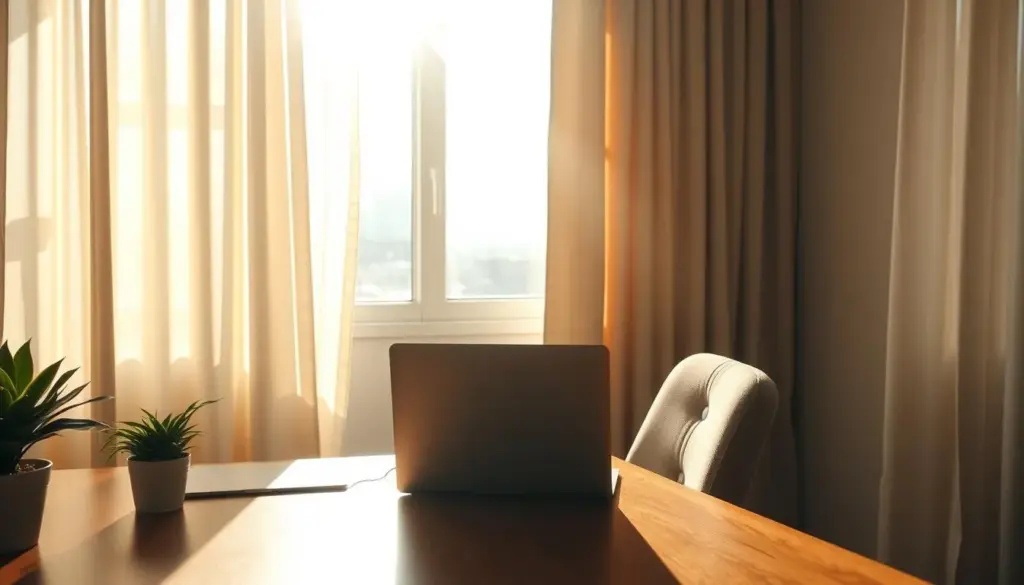
The orientation of your building and the layout of its windows control how much direct sun and reflected glare reach your workspace. Plan window size, spacing, and head height so daylight fills the room evenly rather than forming bright bands near the desk.
Where to put your desk for best screen visibility
Keep bright windows out of your direct line of sight and never place a monitor facing a window that will act like a mirror. A common, effective compromise is to position the desk perpendicular to the window so daylight stays in your peripheral vision while screens remain readable.
How window geometry affects glare and daylight penetration
Higher window head heights push daylight deeper into a space and reduce harsh contrast near work surfaces. Poorly sized or closely spaced glazing can create a narrow bright band that causes glare at desk level.
Balancing daylight access with solar heat gain
Even if you control glare, excess solar heat can overheat your office and force you to close blinds, which defeats your goal of access natural daylight. Choose glazing, shading, or overhangs that reduce solar heat gain without eliminating useful daylight.
What each cardinal face delivers throughout the day
- East: intense morning sun that can glare on early tasks.
- West: strong late‑afternoon sun that often causes heat peaks.
- South: steady daytime access with shading options to limit heat gain.
- North: dimmer but more uniform daylight, with minimal direct glare.
In some US climates, windows within ~30° of true south can offer winter energy gains, while north, east, or west glazing may be net energy losses because of conductive heat flows. If your orientation and windows are fixed, you can still manage glare and heat with the shading and redirection tactics in the next section.
Glare control you can implement today with shading, redirection, and surface choices
You can reduce harsh screen contrast today with a few shading and redirection tactics. Start with tools that block bright patches while keeping useful daylight in your space.
Solar shading and simple fixes
Install adjustable blinds or shades first. They stop direct sun patches and let diffuse light through. Use them dynamically as the sun moves to protect your screen without darkening the room.
Consider overhangs to cut solar heat and solar gains when the sun is high. Overhangs reduce glare without forcing you to rely on heavy interior coverings.
Redirection with shelves and louvers
Redirection devices and light shelves push sunlight up to the ceiling. That spreads daylight more evenly and lowers contrast at desk level.
Horizontal light shelves or louvers are compact systems you can add to a window and keep the view while softening incoming rays.
Interior finishes and small window tweaks
Swap glossy desks for matte surfaces and choose lower-sheen paint to cut internal reflection. Avoid placing mirrors opposite windows.
- Reposition your monitor so the brightest part of the window stays out of view.
- Use diffusing film where glare persists but you still want daylight.
- Keep floors and large surfaces from becoming bright reflectors.
These practical strategies create a stable visual environment. That improves comfort and helps energy efficiency by keeping blinds open more often and using less electric lighting.
Daylighting systems and fixtures for home offices: windows, skylights, and solar tubes
A smart selection of daylighting systems helps you gain bright, even rooms while avoiding hotspots on your desk.
Windows are the easiest daylighting source to optimize during design. You can set head height, spacing, and shading before furniture arrives. That reduces glare on screens and limits late fixes that raise cost.
Top-lighting and skylight options
Skylights supply top-lighting that brightens interior spaces efficiently. Most skylights are passive—they bring sun through fixed glazing or diffusers.
Active skylights use sun-tracking mirrors to channel more daylight deeper into a room. They deliver stronger gains but need planning for glare and control.
Tubular daylighting devices (solar tubes) for retrofit areas
Tubular daylighting devices, often called solar tubes, route roof daylight through reflective tubing to darker interior areas. They are popular for retrofit projects when your office sits away from exterior walls.
Solar tubes can cost as little as $500, while adding a window often runs about $600–$1,000 per opening depending on region and complexity.
- Best uses: windows for side-lighting; skylights for top-lighting; solar tubes for interior rooms.
- Design tip: plan glazing placement early to limit glare and reduce future blind use.
- Goal: improve access natural light without trading it for overheating or constant adjustments.
When natural light isn’t enough: electric lighting that supports your circadian rhythm
When windows and weather limit daylight, you still have options to protect focus and sleep health. Supplemental electric lighting can supply the missing exposure that many people need for alertness during the day and calm at night.
Why circadian-focused lighting uses higher levels and bluer spectra
Circadian responses need brighter levels and shorter wavelengths than typical task fixtures deliver. Ordinary task lighting meets visual needs but may not give enough blue‑rich stimulus to support daytime alertness.
How tunable systems mimic day-to-night rhythms
Use tunable lighting to boost cool, high‑intensity output during work hours and shift to warmer, dimmer settings later in the day. This strategy helps your body distinguish active time from wind‑down time.
Dim-to-warm and daylight-responsive controls
Dim-to-warm fixtures (around 2,700–3,000K) get warmer as they dim, echoing sunset cues and aiding evening relaxation.
- Daylight-responsive lighting controls with photocells dim or switch off electric lighting as daylight rises.
- These systems save energy and keep a steady visual environment, reducing harsh contrast that causes eye strain.
- Combine tunable strategies and controls for the best health and design benefits.
Conclusion
You don’t have to block out the sun to stop glare—small adjustments mostly do the job.
Keep useful natural light in your home office while cutting direct sun on screens. Diagnose problems by thinking in three paths: direct sunlight, external reflection, and internal reflection. That helps you find the root cause fast.
Position your desk so the brightest window area stays out of your line of sight and won’t mirror across your monitor. Choose matte finishes for major surfaces and keep windows adjustable with shades or louvers.
Use redirection when helpful and favor flexible setups that change with the seasons. Pair daylight with responsive electric lighting to stay comfortable and save energy.


