
You work in tight places. Small-scale drafting means making clear, accurate drawings when your tools and room are limited.
A tilting surface — a compact drafting desk, adjustable tabletop, or portable board — helps you turn your vision into neater linework and consistent markups. This setup gives you better control without a full studio.
On this service page you will learn how to set up a compact station and how professional drafting services convert ideas into buildable documents. Expect practical tips on ergonomics, clean sketches, and organized notes that lead to stronger plans and renderings.
This guide is for homeowners planning a remodel, builders who need reliable documentation, and anyone who wants a smarter way to develop ideas before construction begins. Smart setup choices reduce early mistakes and help protect your budget and schedule as the project moves from idea to build.
Tilting Surfaces for Modern Home Drafting: Why Your Workspace Angle Matters
A small change in angle can make long sketch sessions easier and more precise.
When you set a comfortable slope, you reduce shoulder and wrist strain so you can work longer with fewer breaks. That comfort directly affects output: aligned posture keeps lines steady and annotations legible, which speeds review and saves time on revisions.
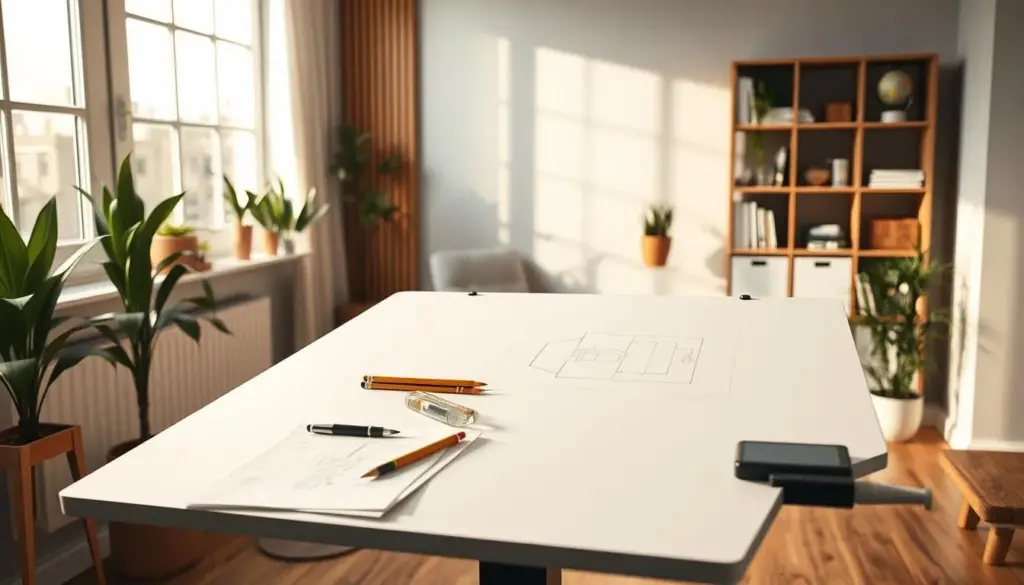
Comfort, posture, and endurance for longer sessions
Use lower angles (10–20°) for notes and checklists and higher angles (25–45°) for freehand sketching and line control. Small tweaks cut fatigue and make life easier during marathon review sessions.
Better line control for hand work and markups
Aligned shoulders and wrists = steadier lines. Consistent markups reduce misreads when you hand a plan to a drafter or builder.
Small-footprint efficiency in a home office or shop corner
- Tilt board on a clamp or folding easel for a compact setup.
- Use a convertible table that stores flat to save floor space.
- Keep a simple tray for tools so swapping tasks takes seconds, not minutes.
Better inputs often mean fewer revisions once professionals begin your project. A thoughtful tilt is a small change, but it protects your time and improves the final design.
Creative Drafting Spaces: Set Up a Compact Station That Supports Your Design Process
Set up a compact workstation that keeps tools, plans, and screens within easy reach. A tidy corner saves time and helps you move work from sketch to a review-ready file.
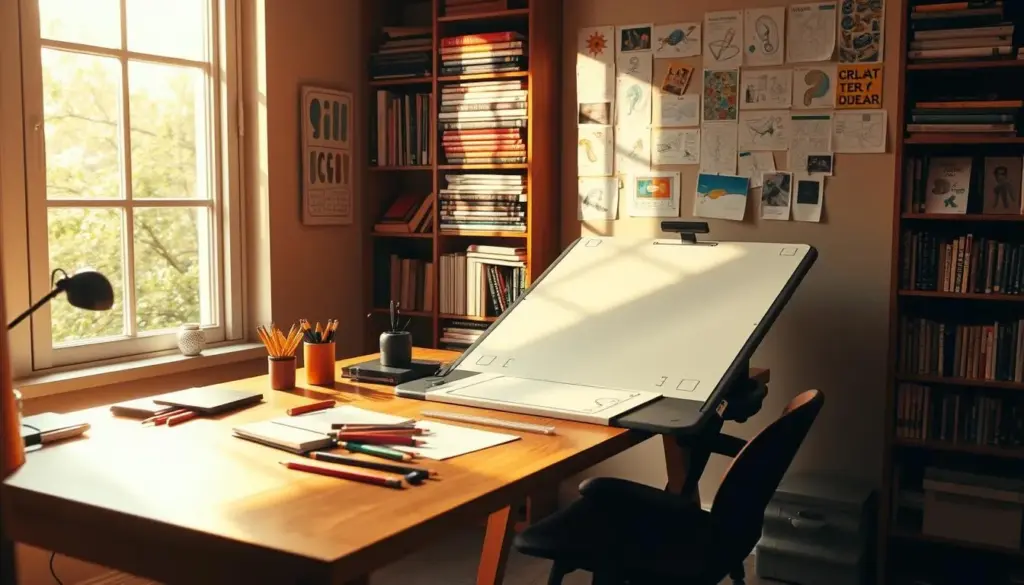
Zoning your work for drawings, materials, and devices
Give each item a fixed home: an active area for current sheets, a reference shelf for specs and photos, and a finished stack for approved pages. This zoning cuts interruptions and lowers the chance you’ll lose a dimension or note.
Lighting and visibility to reduce errors
Place a bright, glare-free task lamp over your active zone. Better contrast makes annotations and line weight clearer, which reduces rework during client review and internal quality checks.
Surface size, storage, and a workflow-ready layout
Choose a surface sized for your typical work — small boards for quick sketches, larger tops for permit-level drawings and markups. Add shallow trays or rolling bins so tools stay visible and accessible.
- Connect the physical steps to the design process — organized inputs speed PDF-to-CAD handoffs and updates.
- Tidy, shop-adjacent areas support measurement notes and material selection when you coordinate built-ins.
- Consistent layout helps you and a drafting partner reduce revision cycles and get to renderings faster.
From Vision to Buildable Drawings: Drafting Services That Keep Projects on Track
Good plans remove guesswork and help a project move from concept to construction.
Our services translate your vision into clear, contractor-ready drawings that reduce ambiguity and speed pricing. You provide constraints, must-haves, and preferences. We convert that input into coordinated sheets and blueprints-style deliverables for review.
Floor plan options and conversions
Choose a floor plan created from scratch, a refinement of an existing plan, or a conversion of your sketch into accurate, optimized plans. Each option focuses on livable square footage and efficient circulation.
Remodels, additions, and new builds
For remodels and additions we update layouts and produce construction drawings that trades can follow. Clear documentation lowers field surprises and helps keep construction on schedule.
Common residential pathways
- Accessory Dwelling Units (ADUs): compact plans and permit-ready sheets.
- Barndominiums and stick-built homes: typical layouts and structural coordination.
- ICF home planning: early focus on performance and efficiency details.
Outcome-focused collaboration: you get coordinated drawings and blueprints that support pricing, permitting, and build sequencing. Engineer-ready files are prepared for third-party review and stamping when needed.
What You Receive: 2D Plans, 3D Renderings, and Construction Documentation
Seeing the design in 2D and 3D makes choices simple and saves costly changes later.
Core deliverables include clear 2D plans for layout clarity and 3D renderings so you can visualize options before construction starts.
Construction documentation sets
You get coordinated construction drawings with floor plans, exterior elevations, interior layouts, and key details that communicate build intent.
Shop and specialty drawings
Shop drawings for millwork and built-ins provide tight tolerances and fabrication notes. These shop sheets reduce errors during installation.
Permit and CAD cleanup
Permit drawings are prepared to meet local review needs and reduce back-and-forth with reviewers. PDF-to-CAD and CAD work convert legacy files into clean, editable drawings.
- Quality process: draft → check → client review → revisions to limit rework.
- Engineer-ready files and coordination with architects keep your project on schedule.
- Our services focus on accurate deliverables that move your plan from concept to construction.
A Streamlined Drafting Process Built Around Your Time, Budget, and Team
Start your project with a plan that saves time and reduces surprises during construction. A clear process sets expectations, aligns your team, and keeps review cycles predictable.
Kickoff discovery to confirm scope, constraints, and goals
We begin with a focused kickoff to confirm scope, constraints, priorities, and goals. This limits assumptions and gives everyone a clear direction.
Virtual appointments for convenient collaboration anywhere in the U.S.
Virtual appointments make coordination simple and save travel time. You can review drawings, ask questions, and approve updates from anywhere.
Quality checks, review cycles, and feedback-driven updates
Internal checks and client review cycles reduce inconsistencies before construction begins. Feedback-driven updates keep versions organized and minimize late changes.
Quick turnarounds without sacrificing accuracy or clarity
Fast delivery comes from a repeatable workflow, clear inputs, and decisive reviews—not rushed work. Expect prompt responses and reliable timelines.
Engineer-ready plans prepared for third-party review and stamping
Engineer-ready means organized plans and supporting sheets prepared for third-party review and stamping. Engineering is handled by licensed professionals and billed separately.
- Include your builder, engineer, and any architects early so responsibilities are clear.
- Coordinate shop-level details for millwork and specialty items to avoid late revisions.
- When site conditions change during a remodel, disciplined updates protect your schedule and budget.
Conclusion
A focused setup shortens review cycles and keeps mistakes out of the build. The right tilt and a compact work area help you produce steadier lines and cleaner annotations for quicker feedback and fewer surprises during construction.
Organized inputs lead to clearer drawings that contractors can act on. That clarity reduces confusion when the project moves from planning to construction and saves you time and money.
Treat your workspace as part of the workflow. Small improvements prevent avoidable errors and improve comfort and daily life while you develop plans that match your vision.
Ready to start? Share a sketch, notes, or existing files. For the first conversation, bring a basic scope, must-haves, rough dimensions, and inspiration images to move your project toward build-ready documentation for future projects.