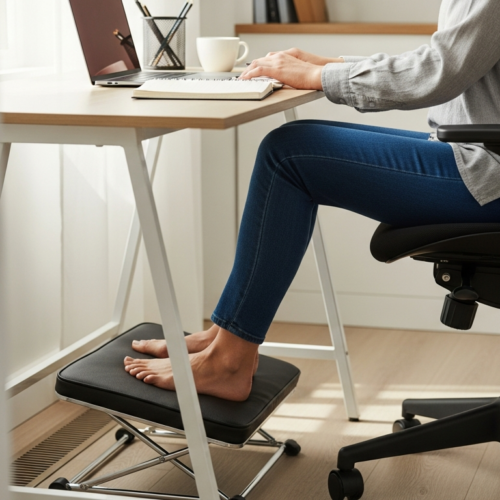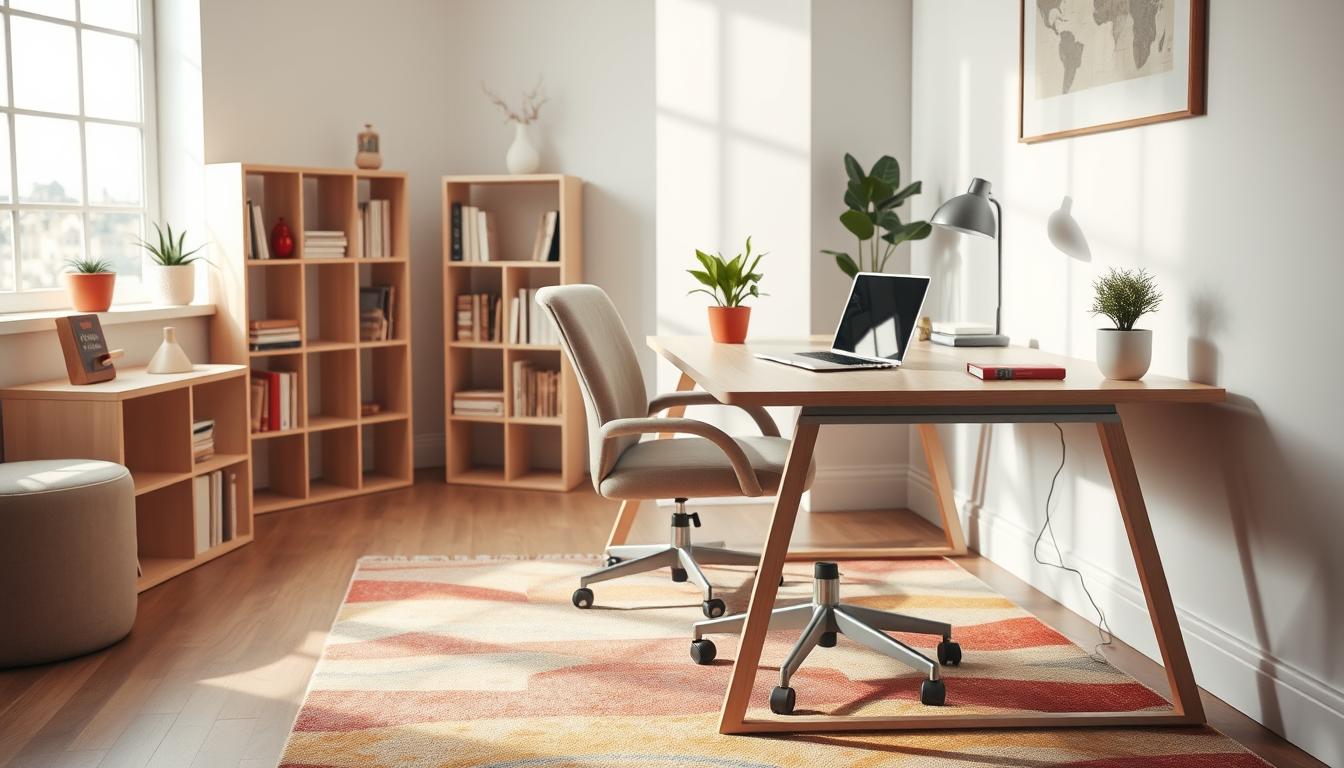
You need a workspace that grows with you and fits tight rooms. Working from home is common now, and the right setup affects your comfort and productivity.
One smart approach is thinking in terms of Study desk transitions so a single piece can serve a child, a college student, and a remote employee. This guide previews small desks, corner and L-shaped options, standing choices, and compact laptop solutions.
When you shop, weigh footprint, cable routing, storage, and style. A flexible layout reduces clutter and keeps you focused without replacing furniture every few years.
Why Study Desk Transitions Matter in Small Homes Today
Your workspace must shift as responsibilities change, from quick homework sessions to full-day remote work. In small homes, one area often serves multiple roles, so planning ahead saves replacements and frustration.
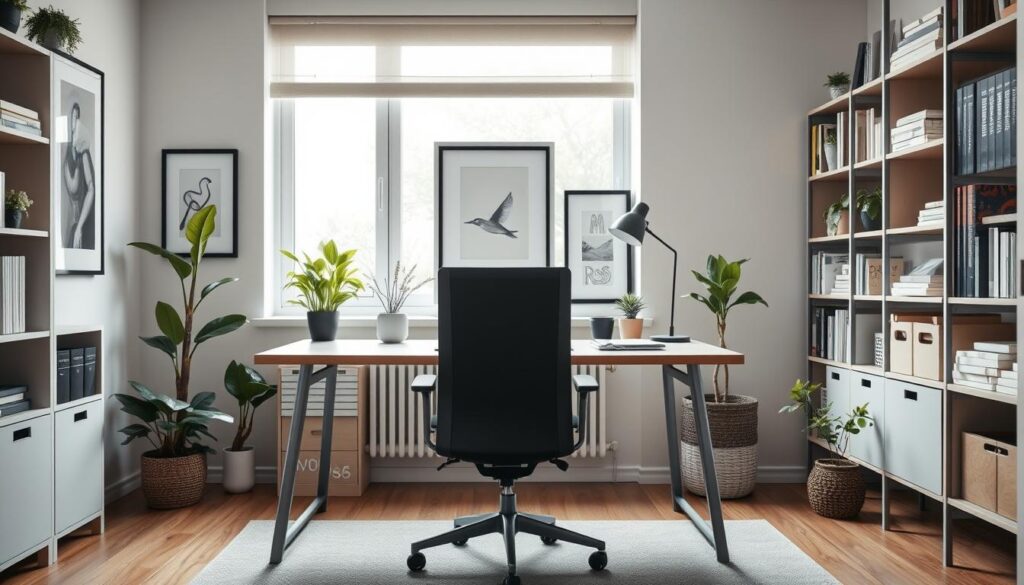
How your needs change from grade school to remote work
When kids are young, a compact study surface and simple storage work well. Teens and college students usually need a larger surface for books and screens. Later, full-time remote work demands an ergonomic setup with room for monitors and longer hours.
Small-space reality: making one room do multiple jobs
In many homes the workspace sits in a living area or bedroom. That means furniture must blend with decor and hide gear when guests arrive. Adaptable solutions help you balance comfort and footprint.
- Scalable surface — add leaves or extensions as needs grow.
- Modular storage — bins and shelves that move with you.
- Flexible layouts — corner and fold-away options for shared rooms.
These choices protect long-term productivity and make buying decisions easier, whether you outfit a child’s study zone or your own home office.
How to Choose an Adaptable Home Office Desk for Your Space and Routine
Measure first, then buy: the right workspace begins with accurate room dimensions. Start by noting wall length, surface depth, and at least 24–30 inches of chair clearance so the home area stays usable.
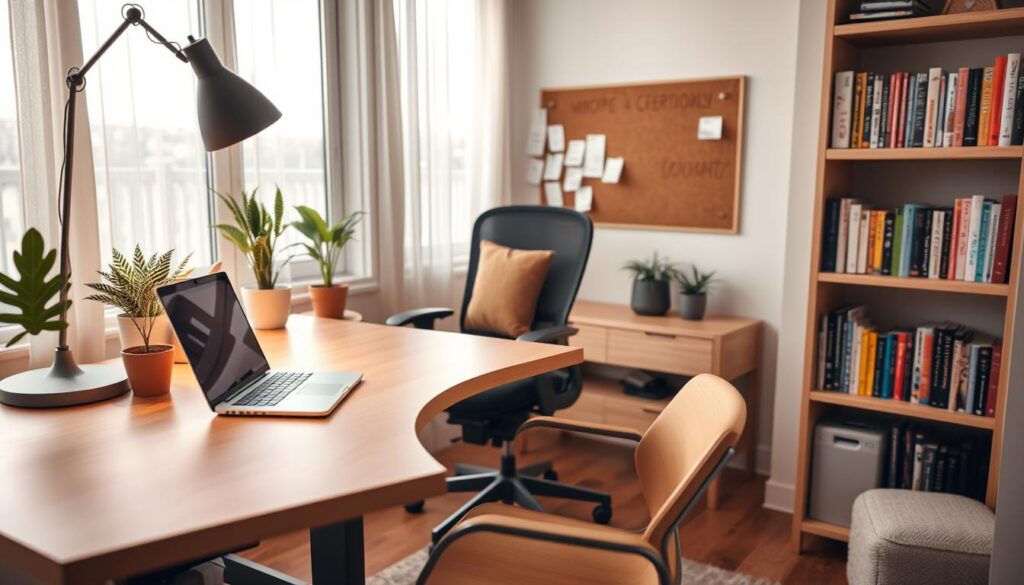
Size and footprint
Measure wall length, depth, and path clearance. Mark where doors and traffic flow cross the work zone.
Tip: Leave a small buffer so the desk does not block walkways in a shared room.
Functionality basics
Decide if you use a laptop-only setup or a desktop computer. A desktop needs room for a monitor, keyboard tray, and cord routing.
Check for grommets, rear cutouts, and power-strip placement so cables stay tidy.
Style considerations
Choose an office furniture piece with clean lines to keep a multipurpose room feeling open. A writing-type surface with minimalist design blends with most home decor.
- Measure: wall length, depth, chair clearance
- Setup: laptop vs desktop needs and keyboard space
- Cable control: grommets, cutouts, power-strip spot
- Surface checklist: mouse zone, writing space, lamp room
- Match the look: pick a style that complements existing design
Study desk transitions: Desk Types That Evolve With You
Pick a workspace that adapts as your needs and gear change over time. A single smart purchase can follow you from grade school to full-time remote work if you choose the right path.
Student-first: scalable student desks for home
Start compact for younger kids and add modules as needs grow. Student desks for home often begin with a small surface and simple storage.
Add-on shelves, clip lamps, and a better chair when coursework gets heavier. This path delays a full replacement and keeps cost down.
Computer-first: room for screens and accessories
Step up to a computer desk when you need larger monitors, a keyboard tray, or more ports. Choose models with smart cable routing and surface depth for accessories.
Computer desk drawers are helpful for chargers, notebooks, and headphones to keep your top clear.
Writing-first: clean looks for shared rooms
A writing desk keeps visual clutter low and blends with living areas. If you need a minimalist surface for notes and a laptop, this is the flexible option.
Plan which path fits your current stage and pick a piece that accepts storage upgrades or monitor arms as your work expands.
Small Desks That Fit Anywhere Without Sacrificing Productivity
A compact workspace can serve full workdays if you match size to routine. Choose a small option that fits the spot and supports real tasks, not just quick checks.
Where a small desk works best
Look for micro-locations: bedroom nooks, hallway landings, spare corners, or underused wall space near outlets. These spots let you add a work area without stealing the room.
Features to prioritize in compact desks
Pick a piece with built-in storage like slim drawers or a small shelf. A fold-down top frees space when you’re done.
- Measure depth and legroom so the setup stays comfortable for focused sessions.
- Pair the surface with vertical shelving to keep supplies off the top and preserve productivity.
- Use a single tray for essentials, one charging station, and a monitor riser only if needed.
Small can still be high-performing when you match the piece to your home routine and storage needs. Choose the right location and features, and a tiny footprint will support real work.
Corner Desks and L-Shaped Home Office Layouts That Maximize Every Inch
Corners are the overlooked real estate in small rooms that can transform into a focused work nook. Use that found space to create a compact, efficient setup that keeps the main area open.
Why a corner computer desk reclaims usable floor space
A corner computer desk fits snugly into an angle that otherwise sits empty. That placement frees up central floor area and keeps circulation smooth in a small room.
L-shaped desk benefits for multitasking: study, work, and devices
Compared to a straight piece, an l-shaped desk gives you two zones: one side for screens and one side for writing or papers. This split helps you switch tasks without crowding a single surface.
Layout tips for traffic flow in a living room or shared room
Plan the l-shaped home office so the chair moves clear of main paths and doors. Position the longer run against the wall for monitors and the return for casual tasks.
- Look for frames with stability, reversible return, durable surfaces, and cable access.
- Evaluate August Hill L-shaped and Hill L-shaped home models for fit and finish.
- Keep pathways open: avoid blocking closets or the living room entry.
With careful placement and the right l-shaped desk, you can create a full-function office in a tight footprint and keep your workspace organized for years.
Adjustable Standing Desk Picks for Healthier Work in Small Homes
Swapping between sitting and standing can cut aches and boost focus in small-home setups. An adjustable standing desk helps you change posture through school years and into full-time remote work.
How adjustable height supports different users
Adjustable height matters when kids, teens, and adults share one surface. It lets each person set a safe ergonomic range as their height and tasks change.
What to look for
Choose a model with a stable base, a quiet lift motor, and a top size that fits your spot.
- Programmable height presets for quick posture shifts.
- Monitor arm clearance or riser space for a proper screen height.
- Enough cable slack and a keyboard zone that stays comfortable while moving.
Making sit–stand work with minimal gear
You don’t need much: one anti-fatigue mat, a simple cable solution, and a small caddy or drawer. That keeps the setup light and flexible.
Standing more often eases long-session aches and keeps the workspace useful as family needs change.
Hutch Desks and Shelving Solutions for Vertical Storage
A well-planned hutch turns wasted wall height into useful storage without enlarging your footprint. In small homes, vertical solutions give you more room to work while keeping the top surface clear for writing and screens.
How a hutch keeps office supplies off the desktop
A hutch desk lifts frequently used items into easy view so the main desk stays uncluttered. Place daily office supplies like pens, chargers, and a lamp on lower shelves for quick reach.
What to store up top without creating visual clutter
Use labeled bins and a few paper trays for loose items. Stack reference books and place less-used boxes on higher shelves. Keep display items minimal to preserve a calm feel that blends with the office décor.
- Why vertical works: adds storage without increasing footprint.
- Organize by frequency: daily tools at arm’s reach; references higher; rare items in closed bins.
- Shelf styling: group items and leave negative space so the shelf looks intentional.
When you lack room for cabinets or a file unit, a hutch is a simple way to add storage and keep the surface ready for work. Choose a model that matches your scale so the setup feels like part of the room.
Desk Drawers, Desk File Drawer Options, and File Cabinets for Paper Control
Paper piles can quietly take over a tiny work area unless you plan simple storage. Start by choosing whether a built-in unit or a free-standing cabinet fits your routine and room.
When you need built-in vs separate filing
Built-in desk file drawers save floor space and keep essentials within reach. A separate file cabinet gives more capacity and moves if your layout changes.
Drawer configurations that support daily tasks
Aim for a top shallow drawer for office supplies, a middle drawer for notebooks, and a deep bottom drawer sized for letter or legal file folders.
Clutter-proofing: match storage to workflow
Create three quick bins: “active,” “to file,” and “archive.” Keep mail opening, signing, and filing spots consistent so papers never linger on the surface.
- Buying cues: full-extension glides, letter/legal compatibility, and cabinet depth that won’t block paths.
- Speed: predictable desk drawers reduce friction—pens, chargers, and stamps stay where you expect.
- Placement: place the file near where you open mail or pay bills to cut time and clutter.
Portable Laptop Desks for Work-From-Anywhere Flexibility
A portable surface lets you work where life happens, not just where furniture fits. A lightweight laptop desk makes it easy to move between a living area and a quiet bedroom block when you need focus.
Best use cases: living room work sessions and bedroom study blocks
Use a laptop for short work bursts when someone else uses the table. In the living room, you can join family time while staying productive.
Move to the bedroom for a focused study block or late-night task when the household is quiet. A portable option saves space and avoids a permanent footprint.
What to look for: lightweight builds and adjustable height comfort
- When it fits: short bursts, shared schedules, or no room for a permanent desk.
- Portability features: low weight, an easy carry handle, a stable surface, and a footprint that stores under a bed or sofa.
- Adjustable height benefits: keep wrists neutral, raise the screen to reduce neck strain, and avoid hunching on soft seating.
- Minimal accessories: pair with a compact mouse, one charger, and a small pouch to keep essentials together.
- Know the limits: a laptop desk is flexible but not a full replacement for a long-term computer workstation.
Executive Desk Options for a More Commanding Home Office Setup
An executive desk brings a professional presence through a larger surface, solid materials, and integrated storage. You can capture that weighty, confident look without overwhelming a small room by choosing balanced proportions and cleaner silhouettes.
How to fit an executive feel into a smaller room
Pick an office desk with a streamlined base and a thicker top to read as substantial without requiring extra depth. A floating modesty panel or tapered legs keeps sightlines open.
Storage expectations for serious work
Expect built-in cabinet space and file capacity. Choose a model with two shallow drawers for daily tools, one deeper file drawer for active folders, and a closed cabinet for supplies.
- Layout tip: leave 24–30 inches of chair clearance and avoid blocking pathways.
- Durability: thicker tops, solid frames, and durable finishes resist daily wear.
- Ergonomics: add a keyboard tray or monitor arm to keep the executive look while supporting long hours.
Room-by-Room Workspace Ideas for Small Homes
Turn tight corners and quiet nooks into purposeful zones that support daily routines.
Living room workspace: blend an office desk into your main hangout
Place a compact desk near existing furniture and match finishes so it reads like part of the living room. Hide cords with a cable channel and use a slim office desk or narrow shelf to keep the look tidy.
Bedroom workspace: keep sleep and work zones visually separate
Face the workstation away from the bed and add a soft lamp for a distinct lighting zone. Use simple storage and clear surfaces so the bedroom stays restful when work ends.
Shared room setups: combine hobbies and storage in one footprint
Pick a desk sized for the main user and add vertical shelving and labeled bins to hold craft supplies and files. A roll-away cart or closed box keeps clutter off the top and makes quick resets easy.
Corner placement strategies to preserve open floor space
Fit a corner unit to reclaim unused area and keep walking paths clear. Define the work zone with a small rug and task light so the space feels intentional.
- Practical playbook: place where you already spend time, match finishes, and choose clutter-free storage.
- Reset quickly: the best setup is the one you can clear or hide in minutes.
Desk Style Guide: Matching Office Furniture to Your Home’s Aesthetic
A well-chosen style turns a small work area into a design feature instead of a cluttered corner. In a compact home, your furniture is visible every day, so the look should feel intentional and fit the room.
Rustic and reclaimed warmth
Choose warm wood tones and refined reclaimed surfaces to add character. This design blends with modern elements and keeps the space cozy without feeling heavy.
Cottage and relaxed casual
Soft finishes and lived-in details create a calm workspace. Pick pieces that feel comfortable so your writing surface reads as part of a relaxed room.
Mid-Century modern and clean lines
Light silhouettes and simple lines help a small area feel uncluttered. Mid-Century furniture offers purposeful form that keeps the space airy and focused.
Industrial and vintage-made-new
Metal accents and warehouse-style details make a bold statement. Use these pieces sparingly so the office feels curated, not crowded.
Classic and traditional balance
Symmetry and matched storage create a timeless look. Pair classic furniture with coordinated units to keep the setup organized and lasting.
- Why style matters: it integrates your work spot into daily life and reduces the need for constant replacement.
Color and Finish Choices That Stay Versatile Through Life Stages
A neutral palette helps your furniture stay useful as family needs and styles evolve. Choosing the right color and surface lets one piece move from a child’s corner to a teen room to an adult office without feeling out of place.
Best-selling neutrals: white, black, and gray
White, black, and gray are top sellers because they blend with most décor and adapt to changing tastes. These tones keep the look fresh whether the room gets playful accessories or a mature upgrade.
Finishes that hide wear and stay on-trend
Pick mid-tone finishes and textured surfaces to mask scratches and fingerprints. Matte or lightly textured laminates wear better in high-use households than ultra-gloss surfaces.
- Long-term use: a neutral color supports lifecycle changes so you don’t need to replace the piece.
- Light and scale: lighter finishes open small rooms; darker tones add contrast in bright spaces.
- Mixing materials: combine wood tops with metal legs to keep the design compatible with other furniture as the room updates.
In short, select a practical finish and neutral color that match your room’s light level and overall design. That keeps your purchase functional and stylish across life stages.
Computer Desk Setup Essentials for Comfort and Focus
Design a surface with separate zones so typing, mousing, and handwriting never get in each other’s way.
Surface space planning for keyboard, mouse, and writing zone
Divide your top into three clear areas: a keyboard and mouse plane, a small writing zone, and a device landing. Keep the keyboard centered with at least 8–10 inches of clear front space for wrists.
Reserve a 12″ by 16″ corner for quick notes and forms. That way your computer tasks and writing tasks do not compete for the same inches.
Cable control considerations for desktop computers and chargers
Route power and data lines along one edge. Use grommets, adhesive clips, or an under-desk tray to guide cords out of sight.
Mount a power strip under the back edge or inside a small tray to reduce tangles. Label chargers and keep one compact box for extra cables and office supplies.
Monitor placement basics to support better posture
Place the top of the monitor at eye level and a comfortable viewing distance of about an arm’s length. Center the screen in front of you to avoid twisting during long work sessions.
Simple add-ons help without crowding: a slim monitor riser, an under-desk cable tray, and one small organizer for pens and chargers keep the surface clear.
- Zones: keyboard/mouse, writing, and device landing
- Ergonomics: monitor top at eye level, arm’s-length distance
- Cable tips: grommets, clips, under-desk power strip
When cables, tools, and paperwork each have an assigned home, you reduce distractions and keep focus. A tidy computer desk supports comfort and steady productivity in small homes.
Storage-Forward Add-Ons That Complete Your Workspace
Smart storage add-ons let you keep a small work area tidy without sacrificing functionality. Start with a slim desk surface, then layer storage so the top stays clear and the room feels larger.
Cabinets, shelves, and file solutions for small-home organization
Use shallow cabinets that fit traffic paths. Choose doors if you need hidden storage or open shelves for quick reach.
Place a cabinet beside your chair for active supplies. Put taller units against walls to save floor space.
Where to keep office supplies so your desktop stays clear
Mount a shelf above the surface for light items and displays. Keep reference books on adjacent shelves and use closed bins for visual calm.
Use a small desk file for current papers and a larger file when you manage home admin or many projects. Store daily office supplies within arm’s reach, backups higher, and rarely used items out of sight.
- Add-on approach: keep the desk footprint small, then build storage around it.
- Placement tip: match cabinet depth to walkways and workflow.
- Reset goal: design storage so the workspace clears in minutes each day.
How to Shop Smart: Getting the Best Desk for Your Budget and Timeline
Focus on function first: prioritize what your tabletop must do before you consider style. Define size, storage needs, and cable routing so you avoid costly upgrades later.
Prioritizing must-have features vs nice-to-haves
Start with a short list of non-negotiables: surface depth, leg clearance, and cable management. Add must-have storage only if it fits your workflow.
Reserve extras—drawers, fancy finishes, or built-in lighting—until you confirm the basics work in your space.
Planning for future transitions: buying once for multiple stages
Choose a model that accepts add-ons: a hutch later, a monitor arm, or a rolling file. That way you can upgrade incrementally and avoid replacement.
- Budget-first: define size, storage, and cable needs before paying for finishes.
- Compare quickly: check dimensions, storage count, cable management, materials, and returns.
- Timeline tip: need it now? pick available, simple models; can wait? order for long-term fit.
- Think system: pair the desk with lighting, chair, and cable control so your setup grows with you.
Decision checklist: measure the spot, confirm clearance, verify return policy, and ensure the office desk supports upgrades. Use this while you shop to avoid a purchase that looks good but fails in daily use.
Conclusion
A lasting home workspace starts with clear priorities, not the flashiest finish.
Choose a desk that matches your room size and daily tasks. For a minimalist feel, a writing desk works well. If you use screens, a computer desk or larger desks will serve you better. Adjustable standing models add ergonomic variety.
Storage is the difference between a tidy spot and a cluttered one. Use drawers, a small file unit, hutches, or shelves so the surface stays usable.
Pick a style and finish that fits your living room or bedroom so the look feels intentional. Finally, compare top picks by footprint, cable management, surface zoning, and adaptability; then choose the one that fits your current needs and next life stage.