Specialized solutions for remote setups make a big difference when you move from a desk to the couch or bed. A good lap desk adds a stable surface for your laptop and essentials, so you type straighter and strain less.
You’ll learn why the right desk matters for tablet and computer use at home. Expect fewer neck and shoulder compromises, steadier typing, and a predictable workspace when you rotate rooms.
This guide compares two main styles: cushioned lap desk models that rest on your lap and tray-style desks with foldable legs that act like mini tables. Each design fits different postures and rooms in your home office or living room.
Who this helps: remote workers, students, and anyone who switches between home setups. We’ll evaluate surface size, comfort, accessory support, device stability, portability, and how easy it is to view your phone or stand a tablet.
What makes a laptop desk “specialized” for laptop and tablet workflows
A work surface built for mobile use combines stability, space, and features that match your routine. Think beyond a flat board: a true lap desk is engineered to sit steady on your lap while holding your computer and daily tools.
Stable surface and the right size
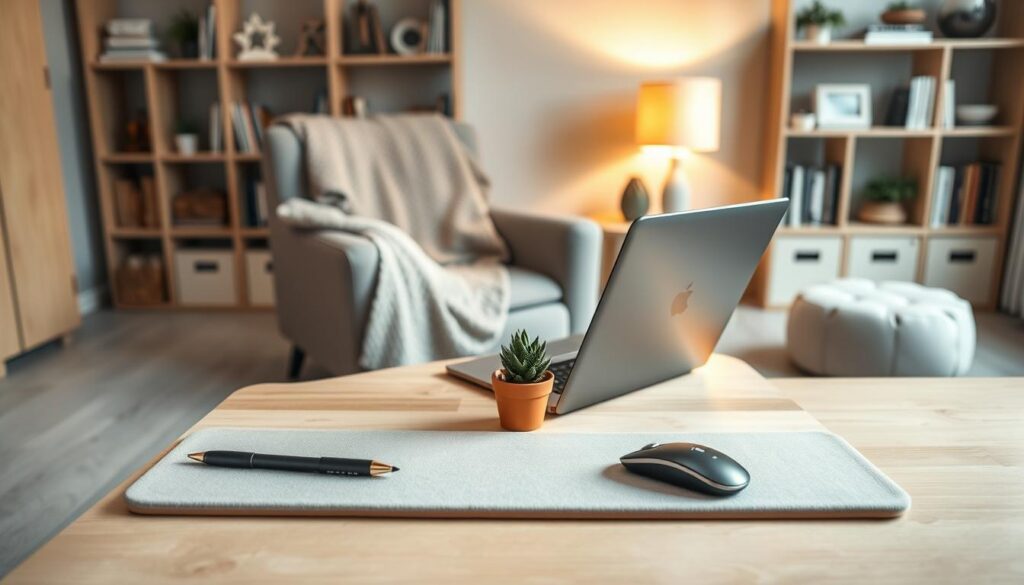
Match surface size to your device and accessories. A desk that barely fits your laptop will force you to juggle a mouse, notebook, or phone. Leave a few extra inches so an external mouse or notepad sits comfortably without slipping.
Workflow add-ons that change day-to-day use
A built-in mouse pad, phone slot, or device ledge can cut small frictions. Brands like LapGear add phone trays and mouse areas so you can run calls or track notes without shifting gear.
Comfort features for long sessions
Cushion bases and wrist rests reduce pressure and improve typing posture. If you spend hours on calls, a holder or small stand for your phone is worth prioritizing to keep camera angle steady and hands free.
- Good baseline: stable, roomy surface; non-slip ledge; at least one accessory slot.
- Avoid: too slick finishes, tiny sizes, or wobbly legs that make daily work a hassle.
How to choose Specialized laptop desks for your space, comfort, and device size
Start by matching surface dimensions to your screen and the extras you carry.
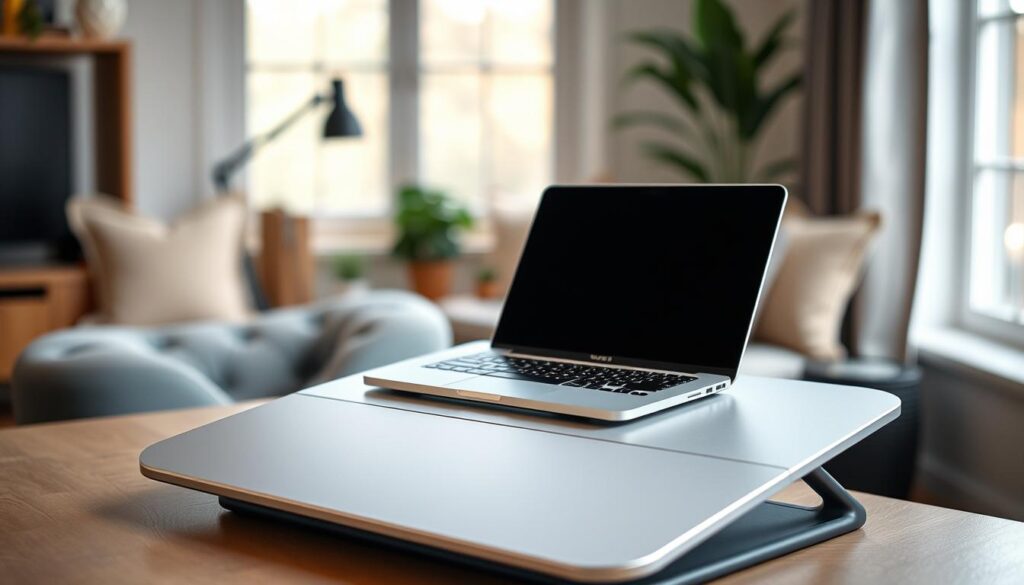
Dial in the right size for common screens
Measure your computer’s footprint first. The Strategist notes most screens fall between ~13 and 15.5 inches, with some users needing room for a 17-inch device.
Allow extra space for a mouse, notebook, or phone. Extra-wide trays turn a tight fit into a real work surface in a small room.
Lap desk vs bed tray with foldable legs
A cushioned lap desk is best for cross-legged sessions and short tasks. A bed tray with foldable legs adds clearance and posture support when you need a steadier surface.
Heat, ventilation, and stands
If your laptop runs hot, avoid trapping heat on your lap. A stand-like surface or the IKEA Öjulf with a washable cover helps airflow and protects your legs.
Storage and cable management
Built-in storage keeps chargers, pens, and earbuds with you between rooms. Use a simple cable groove so your phone stays powered without tangles.
- Start with device footprint.
- Pick extra-wide if you use a mouse or paper.
- Choose foldable legs for long sessions in bed.
Top Specialized laptop desks and lap desks worth buying right now
This roundup highlights the best lap desk picks that balance stability, surface area, and real-world features. You’ll see why each product earned its spot for couch-to-home office transitions.
Best overall for couch-to-home office use: LapGear Home-Office Lap Desk
The LapGear Home-Office offers a 21″ x 12″ surface with a cushioned base, device ledge, built-in mouse pad, and phone holder. It’s roomy enough for day-to-day workflows and praised in multiple reviews for steady performance.
- Price: $35, commonly sold on Amazon.
- Where: Easy to find online.
- Tradeoff: Not the cheapest, but strong surface and accessory support.
Best budget-friendly and easy to carry: LapGear MyStyle Portable Lap Desk
At about $23, the MyStyle is light, cushioned, and adds a strap/handle for moving between rooms. It drops in price often and is a solid grab-and-go product.
- Price: $23 (often on sale under $20).
- Where: Amazon and major retailers.
- Tradeoff: Fewer built-in features than pricier models.
Best for plush comfort and multitasking: Sofia + Sam Multitasking Memory-Foam Lap Desk
This model prioritizes comfort with memory-foam cushion, a wrist rest, LED lamp, and slots for phone, mouse, and tablet. It lacks a charger pass-through but shines for long sessions.
- Price: $40.
- Where: Direct and online retailers.
- Tradeoff: No charger routing.
Best bed tray with legs for larger devices: LapGear Media Bed Tray
The Media Bed Tray is 21.8″ x 13.9″ with ~3″ legs and a phone/tablet stand. Use it when you need clearance in bed or a sturdier tray surface.
- Price: $35.
- Where: Online marketplaces.
- Tradeoff: No charger feed slot.
Best for overheating-prone laptops: IKEA Öjulf Laptop Support
IKEA’s Öjulf gives a 20″ x 15″ support surface with a machine-washable cushion cover. Many pick it when a laptop runs hot on the lap.
- Price: $35.
- Where: IKEA stores and website.
- Tradeoff: Simpler feature set, better airflow.
Best built-in storage and cord management: Arlo Skye The Stowaway Lap Desk
Arlo Skye’s Stowaway is a storage-first product with an interior tray that fits a 14″ device, integrated phone and tablet dock, and cable management for a tidy couch setup.
- Price: $125.
- Where: Brand site and select retailers.
- Tradeoff: Higher price, but built-in storage and cord control.
Best picks for working from bed, the couch, and small rooms
Pick the right surface based on where you actually set up—bed, couch, or a cramped corner—so your gear works with your habits.
When foldable legs beat a classic lap desk for posture and clearance
Foldable legs create clearance over your legs and raise screen height. That helps your neck and back stay aligned when you work in bed.
The Strategist highlights bed-tray styles for this exact reason. The LapGear Media Bed Tray is 21.8″ wide and built to clear your legs while holding a computer and phone.
Extra-wide surfaces for laptop plus notebook, phone, and remote-ready space
Extra-wide means enough room for a laptop, a notebook, a phone on a stand, and a remote or snack without crowding your keyboard.
On a couch, a cushioned lap desk gives speed and comfort for quick sessions. In tight rooms, pick a shallow but wide tray so you still have usable workspace.
- Choose foldable legs if you spend hours in bed and need height and stability.
- Pick a cushioned lap desk for quick setup on a sofa or cross-legged work.
- Prioritize surface depth if you shift positions often so your computer won’t wobble.
Storage-forward laptop desks for clutter-free work and streaming
Keeping gear tidy on a couch or bed stops small frictions from becoming real interruptions. A clear workspace helps you switch from streaming to focused work without hunting for chargers or remotes.
Hidden compartments and built-in trays that keep essentials within reach
Hidden compartments and a built-in storage tray reduce lost-item friction. Chargers, pens, earbuds, and remotes stay together so you reach for one place, not three.
Arlo Skye The Stowaway is a strong example. It offers an interior tray of 15″ x 9.25″ x 1.5″ and moves easily from room to room with a handle. Business Insider and other reviews cite its cord control and roomy tray as top storage-forward features.
Integrated phone and tablet docks with fuss-free cable management
Look for docks that lock a phone or phone tablet at a steady viewing angle and fit cases without wobble. Check that the slot or holder keeps devices secure while you type or stream.
- What to check: dock stability, angle, and case clearance.
- Cable sanity: routing holes that avoid kinks and keep cords off the keyboard area.
- Built-in storage: interior trays and an easy-to-lift lid for quick access.
Trust note: if you click through to products, review each site’s privacy policy and privacy disclosures before checkout or email sign-ups.
Comfort and ergonomics: reducing strain when you’re away from your desk
Small changes matter when you work from a couch, bed, or another informal spot. Set up a lap desk like a real workstation so your body stays supported over time.
Why cushioned bases and microbead support can feel more stable over time
Microbead cushions, like those noted in Arlo Skye reviews, hug your lap and spread weight evenly. That reduces shifting and pressure compared with a hard board.
Benefit: a steady base means less fidgeting and fewer posture fixes during long sessions.
Wrist rests, angled stands, and tilt-friendly setups for typing and reading
Sofia + Sam models include a wrist rest and an angled, tilt-friendly cover for reading or sketching. Wrist rests cut edge pressure and protect your hands during extended typing.
Use a small stand for your phone or tablet to keep screens at a gentle angle and limit neck strain.
Height, posture, and alignment tips for laptop and tablet sessions
Keep elbows relaxed and close to your body. Avoid shrugging; raise your screen when you can to align eyes with the top third of the display.
- Quick checks: neutral wrists, relaxed shoulders, and feet supported when possible.
- Routine: pause every 30–60 minutes to reset posture and check in with your mind and body.
Portability and durability: features that matter if you move rooms a lot
If you move your workspace between rooms, portability and toughness decide whether a desk becomes part of your routine.
Weight, straps, and slim profiles for grab-and-go use
Look for light builds and a good handle or strap. The LapGear MyStyle includes a carrying strap that makes room-to-room moves easy. Arlo Skye’s Stowaway is about 4.0 lb, a solid premium carry option that balances heft and stability.
Materials and cleaning that extend product life
Durability shows up in small details: corners that resist chips, surfaces that wipe clean, and cushions that hold shape. IKEA Öjulf adds a machine-washable cushion cover, while Arlo Skye uses antimicrobial, water-resistant fabric (PFC-free, PU coated).
- Quick picks: slim profiles for brief sessions, heavier trims for long stretches.
- Care: washable covers and wipeable trays prevent premature wear.
- Buy smart: check shipping speed and packaging so your desk arrives ready to use.
Note: read seller privacy and the privacy policy when you order, especially if you sign up for tracking updates or reviews.
Price, availability, and buying considerations in the United States
Price and availability shape which lap desk you actually bring into your home office. In the U.S., most mainstream lap desks fall in the ~$20–$40 range. For example, LapGear MyStyle lists near $23 (often on sale under $20), LapGear Home-Office and the Media Bed Tray are about $35, and Sofia + Sam sits around $40.
At the $20–$40 tier you usually get a cushioned base, a modest work surface, and simple features like a phone slot or small wrist rest. For $100+, expect premium materials, built-in storage, and sturdier frames—the Arlo Skye Stowaway is $125 and adds interior trays and cord management.
Shipping checklist and sale timing
Before you buy, confirm delivery time, shipping costs, and whether expedited shipping is offered. A quick checklist helps:
- Delivery window and tracking availability.
- Free shipping thresholds vs flat shipping fees.
- Whether a sale drops the price enough to justify waiting.
Returns, warranty, and trust checks
Read return policies for condition requirements and restocking fees. Note what a “limited warranty” covers: typically material defects, not wear from heavy use. Arlo Skye’s policy example: free 90-day returns/exchanges on unused items and a two-year limited warranty—useful if you work from your lap daily.
Final buying tips: scan reviews for comments on stability and durability, not just star ratings, and check the retailer’s privacy policy so you know how your email and phone are used for shipping updates and marketing opt-ins.
Conclusion
Your choice should start with how long and where you work each day. If you spend hours in bed or on the couch pick a tray or a sturdier desk with legs; for quick tasks, a light lap desk or simple lap pad works best.
Prioritize a stable surface area for your laptop and room for a mouse pad, phone, or notebook. Choose a model with a stand, holder, or storage only when those add real value to your routine.
If you handle large work sessions, check hands-on reviews for real-world stability and comfort before buying products. For US shoppers, confirm shipping times, keep the return window in mind, and skim the retailer’s privacy policy so your info stays protected.