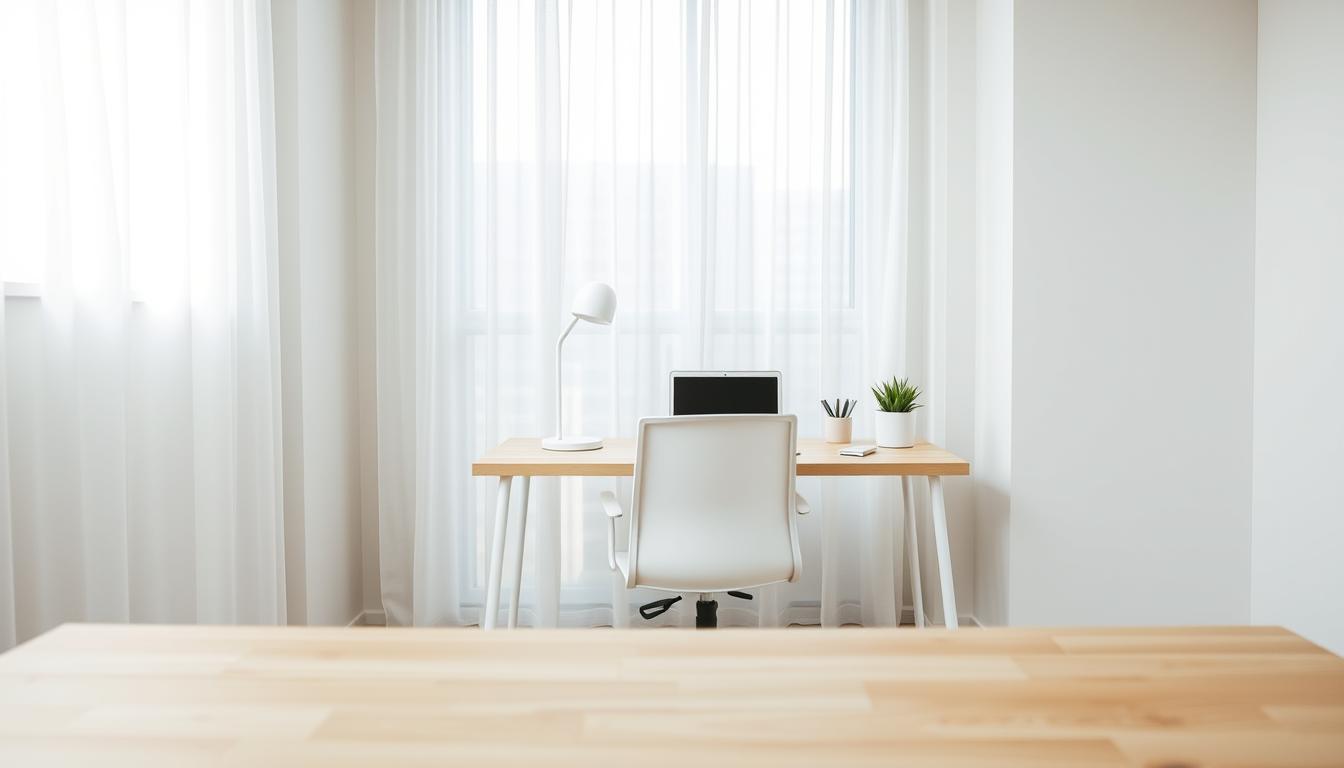
You work from home more now, and your small desk often feels crowded. A minimalist setup does not mean empty space for style alone. It means you keep only what helps you work.
Limited surface area, constant distractions, and the time you lose to cleaning are the problems you face. This guide shows how to decide what stays on your desk, what moves to storage, and what should leave your room entirely.
Use minimalist office theory as a practical filter: if an item does not add clear value, it does not belong in your work area. You will get a step-by-step flow that defines the space, clears clutter, adds smart storage, cuts paper, picks the right furniture, improves lighting, and tames cables.
You can create a calmer, more functional workspace without buying a bigger desk or extra furniture. Expect clear, actionable steps that protect focus in shared rooms like bedrooms and living areas.
Why a Minimalist Work Environment Works for a Small Desk
A crowded desk adds tiny decisions that steal your attention and slow your day. Reducing visual clutter lowers cognitive load so you can concentrate on one task at a time. This clear setup helps improve focus and supports a calmer mood while you work.

When every item has a purpose and a place, searching for things stops creating stress. You avoid the common scenario where looking for a pen turns your surface into a mess. That simple habit change protects your time and reduces frustration.
End-of-day reset becomes minutes, not a long cleanup that delays your next session. Less clutter speeds transitions between tasks and boosts productivity. You’ll notice more usable space without buying more furniture—smart layout and subtraction create room to move.
- Lower distractions and clearer visual clutter help you focus.
- Defined spots for essentials cut stress from lost items.
- Fast cleanup saves time and keeps your environment professional for video calls.
These are practical benefits, not a style trend: a streamlined desk acts as a productivity tool so your work runs faster and with less friction.
Minimalist Office Theory Basics You’ll Actually Use
Start by treating your desk as a tool, not a display, and keep only what helps you work. This makes “less is more” a practical rule for focus, not an excuse for a sterile look.
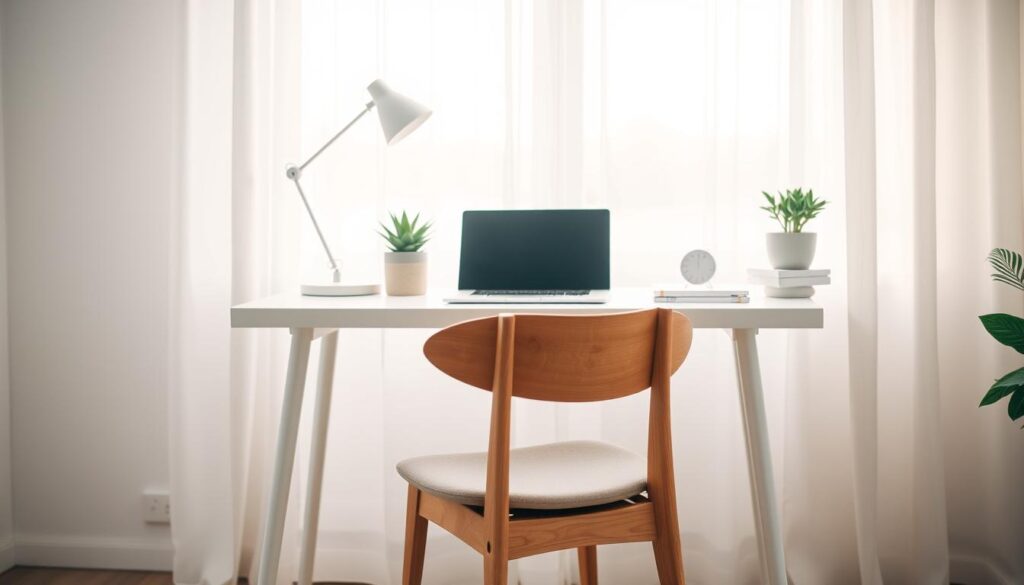
Less is more as elimination for focus
Remove items to reduce distraction. Keep daily tools visible and store everything else. This rule trims decision fatigue and protects your attention.
Clean lines, functional pieces, and a neutral palette
Use clean lines and simple pieces that support tasks. Pick one reliable lamp, a compact tray, and a single monitor arm to unify the design and look.
Rules that keep the desk working for you
- Only things you use every day stay on the surface.
- One meaningful object is allowed if it supports focus.
- Schedule a five-minute reset at day’s end to prevent backsliding.
Your desk space is your mental space: define boundaries, choose storage, and use repeatable rules so the style you build stays useful.
Choose and Define Your Desk Space Before You Buy Anything
Designate a small, consistent area in your home so work stays separate from other life. Picking one spot gives your workspace a clear purpose and keeps work from spreading into every room.
Picking a dedicated work zone in your home office space
Even a corner in a bedroom or a tucked spot in the living room works. Pick a location with enough light and an easy path to the things you use most.
Keep this area for work only. That simple rule helps you shift into work mode and back out again when the day ends.
Creating boundaries so your workspace doesn’t become storage
Boundaries stop clutter from creeping in. Examples: no laundry baskets near the desk, and process mail at a separate table. Those rules protect your work environment and reduce stress.
- Map your day: meetings, deep work, printing, and charging—place items where they support the way you work.
- Don’t buy desk gear yet—define size and limits first to avoid impulse purchases that harm organization.
- Once the zone is fixed, you’ll know which items belong there and which should live elsewhere.
Declutter Your Desk, Drawers, and Cabinets Without Regretting It
Begin by emptying your desk, drawers, and cabinets so you can sort things with real clarity.
Lay every item on a clear surface. Seeing duplicates and forgotten things makes decisions easier.
Sort into three piles
- Essentials: used daily and needed for work.
- Non-essentials: rarely used; sell, donate, or store.
- Undecided: place in a two-week probation box to test real need.
Apply the “if you don’t use it, lose it” rule without guilt. Old chargers, duplicate mice or keyboards, and outdated headphones are common culprits. Clearing them frees real surface and cabinet space.
Protect your mental space
Decide what belongs off-desk to keep focus. Move tax records and financial statements to labeled storage so papers don’t pile up.
- Pull everything out.
- Sort into the three groups.
- Box undecided items for two weeks.
- Sell or donate extras.
Small, repeatable solutions like this save time and keep your area tidy in a sustainable way.
Build Smart Storage Solutions That Match a Minimalist Office Space
Choosing the right storage solutions makes a small desk behave like a larger, organized workspace. Keep your surface visually quiet by moving extras into purpose-built places that match how you work.
Desk organizers for the few items you truly need within reach
Use a compact desk organizer for daily tools only: one pen, one notebook, and headphones. Keep essentials accessible so the organizer supports focus, not collects clutter.
Use vertical file cabinets, drawers, and shelves
When your desk footprint is small, stack storage upward. Slim file cabinets and open shelves free surface space while keeping items nearby.
Labeling and simple categories
Create three clear bins: “Active Projects,” “Reference,” and “Finance.” Label each so retrieval is fast and organization stays frictionless.
Restock only when needed
Adopt an inventory habit: restock only when needed to avoid supply overflow. Choose office furniture with clean lines and neutral finishes so storage looks intentional, not bulky.
- Solutions that match your workflow keep tools ready and your desk calm.
- Pick furniture that blends with your office design to make storage feel like part of the room.
- Use drawers and shelves to reclaim surface space and protect focus.
Minimize Paper So Your Workspace Stays Clear
Paper piles often creep in and quietly take over your workspace if you don’t set a simple system. A clear intake habit stops loose documents from landing randomly on your desk.
Create a quick intake-and-action flow
Use this three-step loop: Inbox → Act → File/Shred. Put incoming paper into one inbox, decide immediately (trash, deal now, or file), and move files to labeled storage.
Pick desk organizer or under-desk storage by workflow
If you reference documents several times daily, choose a compact paper organizer on the desk. If items are needed rarely, use under-desk storage to reclaim surface space.
Digitize smartly and label what remains
Scan receipts, manuals, and reference docs to cut physical piles. Keep legal and tax records in a small, labeled file box. Clear labels stop papers from migrating back onto the workspace after a busy week.
- Inbox: one tray for arrivals.
- Act: decide in two minutes.
- File/Shred: store or destroy immediately.
Paper clutter cost you time by forcing repeated searches. A simple system reduces those interruptions and keeps your desk focused on the work that matters.
Pick Minimalist Office Furniture That Fits a Small Desk Setup
Choose furniture that earns its spot: every piece should justify the space it takes. Aim for items that blend into your room and solve daily problems. This keeps the desk clear and the room calm.
Space-saving desk ideas that still feel comfortable
Pick a compact desk with enough surface for your essentials. Consider wall-adjacent layouts, folding desks, or narrow tables that provide elbow room without dominating the space.
- Fold-down desks free floor space when not in use.
- Wall-mounted shelves keep reference items reachable but off the desk.
- Choose clean lines and light finishes to make the room feel larger.
Minimal ergonomic chairs and posture-friendly basics
Comfort is non-negotiable. Look for a chair with adjustable seat height and lumbar support.
Set monitor height and seat angle so your neck and back stay neutral. Proper posture items boost productivity by reducing fatigue.
Skip extra pieces that crowd your office design
Resist “just in case” furniture. Extra tables and bulky storage quickly shrink usable office space.
- Choose fewer, better pieces that serve daily tasks.
- Let each item earn its footprint with regular use.
- Fewer items mean less shifting and more time to focus on work.
Use Lighting and Natural Light to Boost Mood and Productivity
Good lighting changes how your workspace feels and how well you get things done. Light affects your mood, energy, and how open a small desk appears. When you plan lighting, you shape comfort and clarity.
Position your desk to capture natural light
Place your desk near a window so natural light brightens your day. Angle the screen to avoid glare. Side lighting often works best for screens and reduces reflections.
Control brightness to prevent glare and headaches
Use sheer curtains, adjustable blinds, or diffusing film to soften intense light. These simple fixes let you keep daylight without straining your eyes or losing screen contrast.
Choose task lighting that supports focus
Pick a single, adjustable task lamp with clean lines and dimming options. Keep designs simple and unobtrusive so the light helps focus without adding visual noise.
- Benefits: less eye strain, better focus, and higher productivity.
- Keep lighting consistent with a minimalist office space: functional and intentional.
- Combine natural light with a single task lamp for the best balance.
Clean Up Cable Management to Eliminate Hidden Visual Clutter
Cables often live in the shadows, but they shape how finished your setup feels. Untidy wiring creates hidden visual clutter that undermines clean lines and the calm you worked to build.
Routing and bundling wiring so your desk stays sleek
Step-by-step cable management plan:
- Identify every wire and label both ends.
- Remove unused cords and redundant chargers.
- Route cables along edges and bundle by device.
- Conceal runs with clips, sleeves, or an under-desk tray.
Reducing device sprawl to keep surface space open
Fewer always-on electronics means fewer cords to manage. Decide which items belong on your desk daily and which can live in a drawer until needed.
- Safety: neat wiring cuts snagging and accidental unplugging.
- Usability: labeled cables speed swaps and troubleshooting.
- Finish: hiding cords preserves clean lines and keeps your office design cohesive.
Simple cable management solutions protect your workflow and keep the space feeling complete. What you don’t see still affects how calm and functional your setup feels.
Conclusion
A few small changes to your desk can free up minutes each day and reduce stress.
Fewer distractions, faster cleanup, and more usable space are the main benefits that boost productivity. Define your workspace, declutter, add smart storage, cut paper, choose functional furniture, improve lighting, and tame cables to keep the gains.
This design is not about having nothing. Keep only items that support your work and mental clarity. Build a habit: a weekly 10-minute reset and a rule that every new item replaces an old one.
Consider one or two low-maintenance plants or other natural elements to soften the look without adding clutter. For a quick win today, pick one area—desktop, drawers, paper, or cables—and improve it. Small steps build momentum and lasting organization.