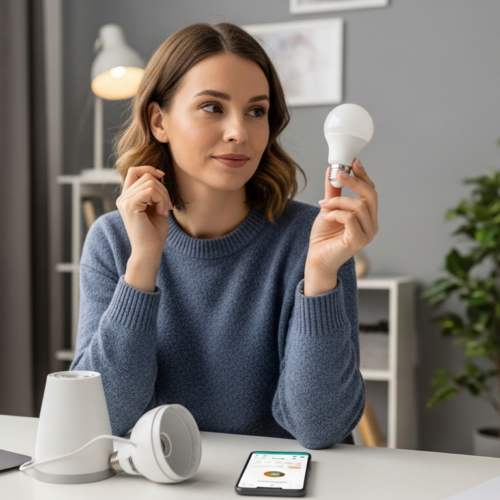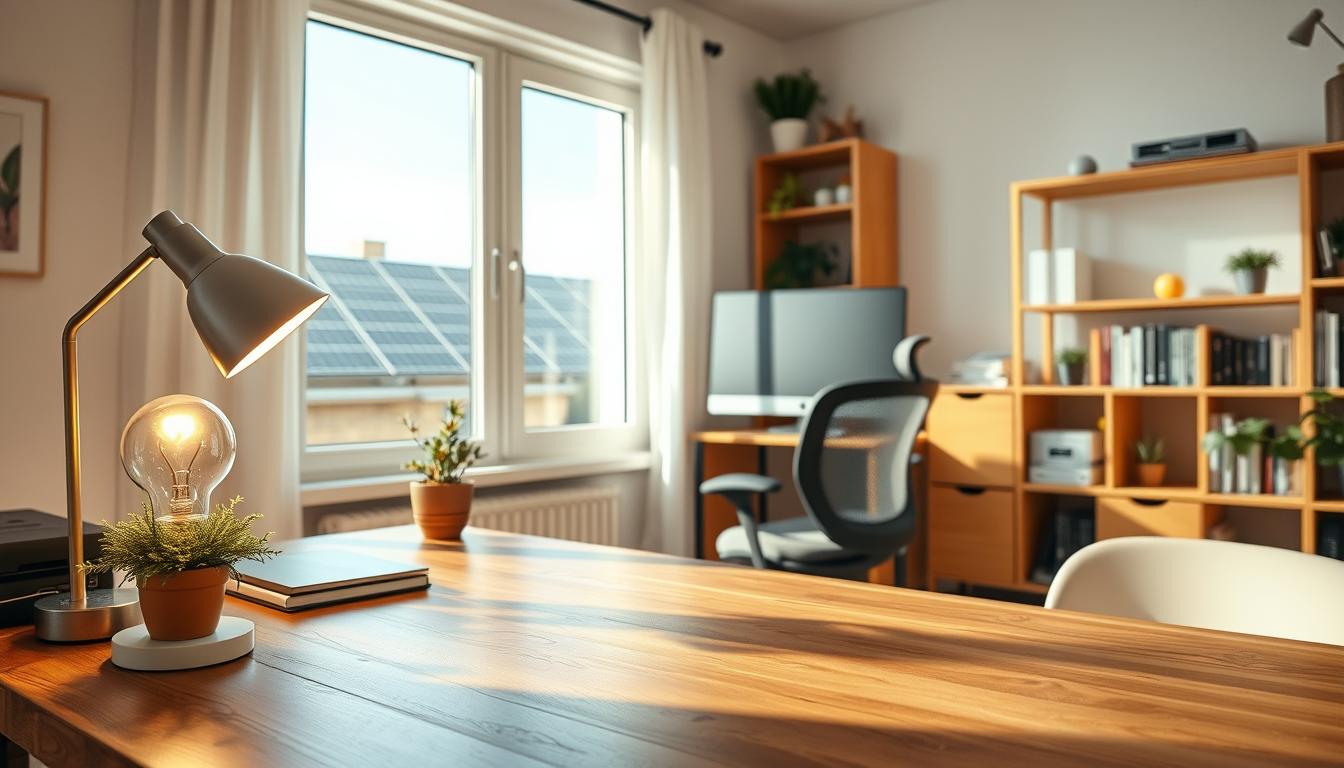
Small changes add up fast. This section gives clear, practical ways to cut power use in your home workspace without hurting comfort or output.
You’ll get quick tips that go top-down: lighting (daylight-first), devices (computers and monitors), temperature control, sealing gaps, and kitchen or breakroom appliances that quietly raise costs.
Phantom power can be a sneaky drain—expect 5–10% of a bill from standby loads, and some devices use up to half their active power when left on. Small daily actions stack to shrink monthly energy bills and protect your budget over the year.
Each upcoming item lists simple steps you can try today plus a few low-cost upgrades like LEDs and smart controls. LEDs can cut lighting use by roughly 80%, sensors about 30%, and thermostat setbacks near 10% annually.
Start with 3–5 changes this week and watch how quickly you save money while keeping your home office running smoothly.
Set up your home office for daylight-first lighting
Arrange your desk and window treatments to make natural brightness your primary light source. This cuts how much artificial power you need during the brightest part of the day and improves comfort.
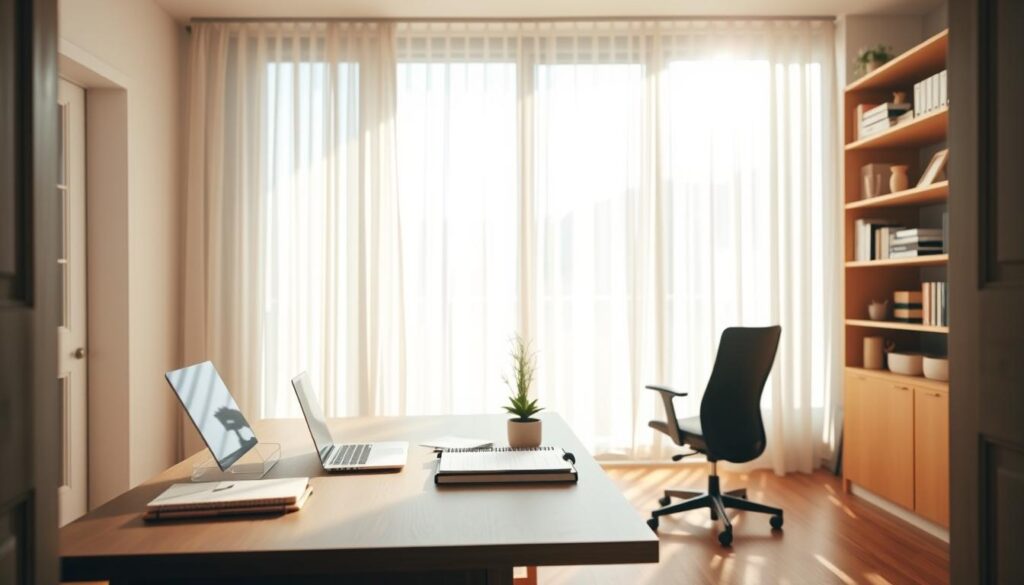
Use natural light and position your workspace
Place your desk perpendicular to the window so the screen avoids direct glare and you rely less on overhead lighting. If your office is the main room you use during the day, this small move lowers daytime lighting load and may trim heating or cooling needs.
Control glare without flipping switches
- Open curtains on south-facing windows during the day to gain passive warmth on cool days, then close them at night.
- Choose lightweight curtains or blinds to keep privacy while letting diffuse light filter in.
- Consider daylight blinds that soften harsh sun but reflect light onto the ceiling for even room brightness.
Adopt a quick morning habit: open coverings, wait ten minutes, then decide if a lamp is needed. Adjust screen tilt or desk angle to avoid reflections so you don’t add extra light to compensate. These simple ways improve visual comfort and reduce your home’s overall energy use over time.
Upgrade your lighting habits with LED bulbs and smarter controls
Make a quick audit and target the biggest wins first. Walk your home office and nearby rooms, note each bulb type, and mark which fixtures run most hours. That list tells you where to prioritize LED swaps and controls in minutes.
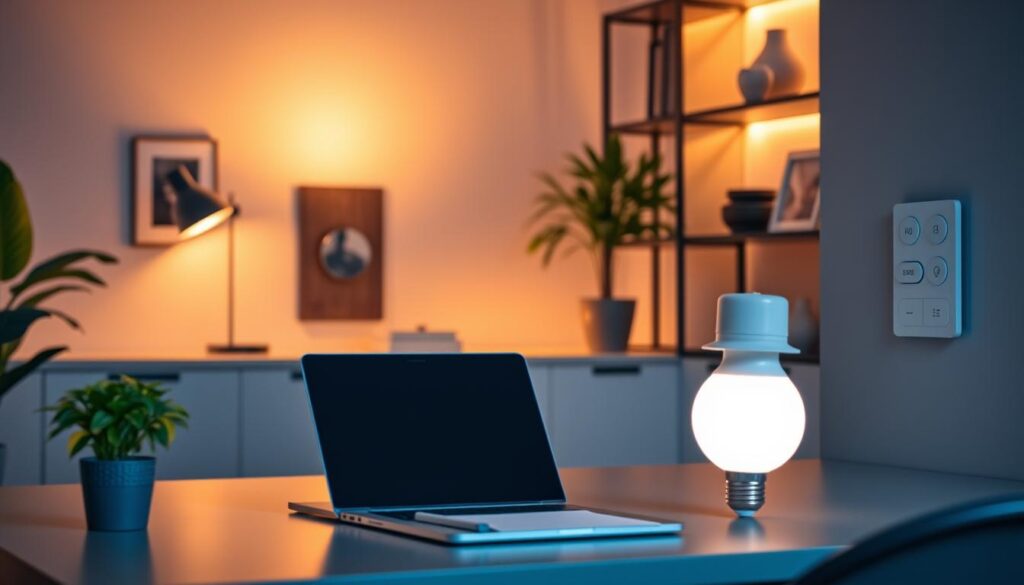
Swap incandescent bulbs for LEDs
LED bulbs can use up to 80% less energy than incandescent lamps. They last longer, so you cut replacement hassle and monthly electricity costs.
Turn off lights and use visual reminders
Make turning off lights the default. Place small stickers above switches in shared rooms to reduce lights left on. This habit reduces needless power use and keeps everyone accountable.
Add dimmers, timers, and sensors
- Install dimmers for task areas so you match brightness to the time of day.
- Use timers for accent lights and occupancy sensors in hallways — sensors can trim lighting costs by up to 30%.
- Keep fixtures clean; dust and aging can cut output by ~30% over a few years, while simple maintenance can lower costs by about 15%.
Comfort and dollars go together: dimmed, well-maintained light reduces glare and power use, so you work better and pay less when you spend time at home.
Energy saving practices for computers, monitors, and office electronics
Cutting waste from computers and chargers is one of the fastest ways to trim monthly electricity costs. Start with a short routine and clear labels so everyone knows what to shut down and what to leave running.
End-of-day shutdown and quick low-power breaks
Shut down your computer and monitor at the end of the day. For short pauses, use sleep or hibernate instead of leaving devices fully on.
Why standby and phantom draws matter
Many devices still draw power when “off.” Some appliances can use up to half the amount they consume in active use, and phantom loads often add 5–10% to energy bills.
Cut vampires with a checklist and one simple tool
Unplug chargers, printers, speakers, docking stations, and any gadget with a power brick. Or plug them into a switchable power strip so you kill multiple draws in one motion.
Set defaults and label shared gear
Make built-in power mode the default on Windows, macOS, and monitors so screens dim and sleep after inactivity. Use a traffic-light label system: red = don’t turn off, amber = authorized only, green = safe to power down.
Make sure auto-sleep won’t interrupt updates or backups—schedule those tasks during active hours or planned on-times so you both save energy and keep data safe.
Dial in temperature and HVAC habits that reduce energy bills year-round
Control thermostat schedules so your system only conditions the home office when you actually use it. Use a smart or programmable thermostat to match your real work hours and avoid heating or cooling an empty room.
Setbacks and simple schedules
Set the thermostat back when you’re away or asleep. A planned setback can cut heating and cooling bills by up to 10% a year.
Small changes, big impact
Lowering the temperature by just 1°C can reduce fuel use by about 8%. That small tweak adds up across the heating season and reduces gas or electric costs.
Airflow and transit routines
Keep vents clear of furniture and replace furnace or heat pump filters regularly to keep air moving efficiently. Check that operating hours match your time at the desk and use timers so systems scale back at the end of workday.
Avoid the space heater trap
Skip using a space heater as the default fix. First fix drafts, adjust desk placement, and improve insulation so your heater runs less and costs drop.
- Tip: Program one weekday schedule and one weekend schedule to automate comfort and lower annual costs.
Seal drafts and gaps around windows and doors to stop paying for lost air
Before you crank the heat, check for gaps around frames and fixtures that bleed conditioned air. Walk the perimeter of your home office and nearby rooms on a cool day to feel where cold air sneaks in.
Look for the usual suspects: gaps around windows and doors, recessed lights, plumbing and cable cut-throughs, chimneys, and unfinished spaces behind cupboards or closets.
- Apply caulk to small cracks and seal gaps around pipes and chimneys.
- Install weatherstripping on moving seams and make sure doors shut flush with their frames.
- Use clear plastic film inside the window frame for winter drafts, then add tight-fitting insulating drapes or shades.
These fixes cut how much your system reheats or recools leaking air and lower heating and cooling costs. Window treatments can reduce those costs by up to 25%, so tackle the worst offenders first before adding more heat or running a space heater longer.
Cut energy and water costs with smarter breakroom and household appliance use
Tuning how and when you run household machines lowers waste without big changes. Small shifts in timing and habits reduce both water and electricity demand during your workday.
Run the dishwasher only when full
Only run the dishwasher when it’s full to cut cycles and the water and power used per load. This simple rule trims machine wear and can lower your monthly bills over time.
Set the water heater to 120°F
Set your water heater to 120°F to reduce hot water costs and cut scald risk. That temp meets most needs while shrinking the amount of heated water you consume.
Use less hot water during the workday
Shorter showers and mindful sink use reduce hot water demand. When hot isn’t needed, choose cold or warm to save energy and lower water consumption.
Maintain appliances so they run efficiently
- Clean fans and filters regularly to prevent overheating.
- Check refrigerator seals and keep vents clear for peak performance.
- Batch dishwasher and laundry cycles by time of day to avoid repeated runs.
Consistent habits compound: managing appliances and hot water together helps you save energy, extend appliance life, and shrink your utility bill without major effort.
Conclusion
A few focused tweaks—done in minutes—can lower your home office’s electricity draw and keep comfort high.
LEDs can cut lighting use by ~80%, occupancy sensors can trim another ~30%, and thermostat setbacks save up to ~10% a year. A 1°C drop often reduces fuel use by ~8%, window treatments can cut heating and cooling by ~25%, and phantom power may add 5–10% to your bill.
Start with the easiest ways: use daylight-first light, swap key bulbs to LEDs, power down peripherals, and firm up thermostat and draft fixes. Pick one light change, one device/power-strip swap, and one temperature or draft fix to try this week.
Watch where money leaks hide—lights left on, phantom loads, and gaps around doors/windows—and track your bills month to month to see which tips move the needle. You can reduce waste without making your home office cold or dim.