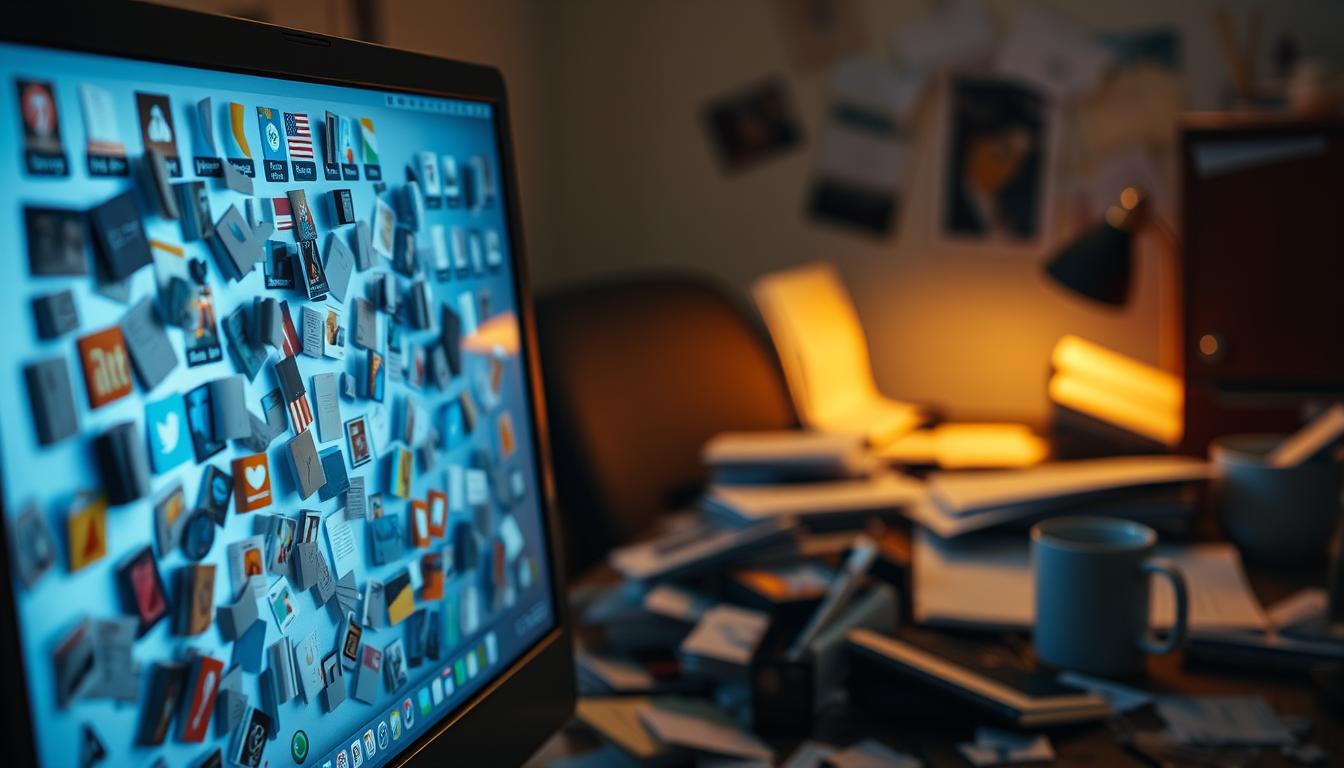
Digital vs physical order defines how your brain reads a screen like it reads a desk. Your desktop acts as a surface for tasks, reminders, and files. When icons pile up, your mind treats them much like stacks of paper on a real table.
You can compare desktop icon clutter with visible object clutter and see two stress paths. The contrast between digital physical spaces shows that unseen systems still demand attention. How items are delivered and stored matters: modern distribution models make access easier but can leave you feeling out of control.
Look at video games as a clear analogy. Games and their libraries highlight tradeoffs between convenience and control. When a game installs, updates, or hides in a launcher, your desktop becomes a temporary landing zone for choices. This article will offer practical steps to calm that space and align it with your real desk.
Why desktop icon clutter can feel like physical mess in your workspace
Visible icons act like unfinished notes on a desk. Every icon you leave in view behaves like an unresolved “to-do,” so your mind keeps glancing back. That constant checking raises your cognitive load and chips away at focus throughout the day.

How constant visual “to-do” cues raise cognitive load
Each icon is a tiny cue that competes for attention. Even if you do nothing, your brain runs background checks and that uses mental energy.
Decision fatigue: when every file title competes
Scanning filenames, screenshots, and downloads forces small choices—open, ignore, sort, delete. Those micro-decisions add up over time and reduce your capacity for deeper work.
Stress spillover: how digital disorder mirrors desk clutter
Your felt experience can shift into a low-grade alert state when visuals stay chaotic. This affects people differently, but the mechanism is the same: constant cues train you to react instead of focus.
- If your eyes jump to the top-left whenever you minimize a window, that’s a simple self-check.
- Visibility gives quick access but also creates persistent noise.
- Recognizing this trade-off sets the way for calmer systems later in the article.
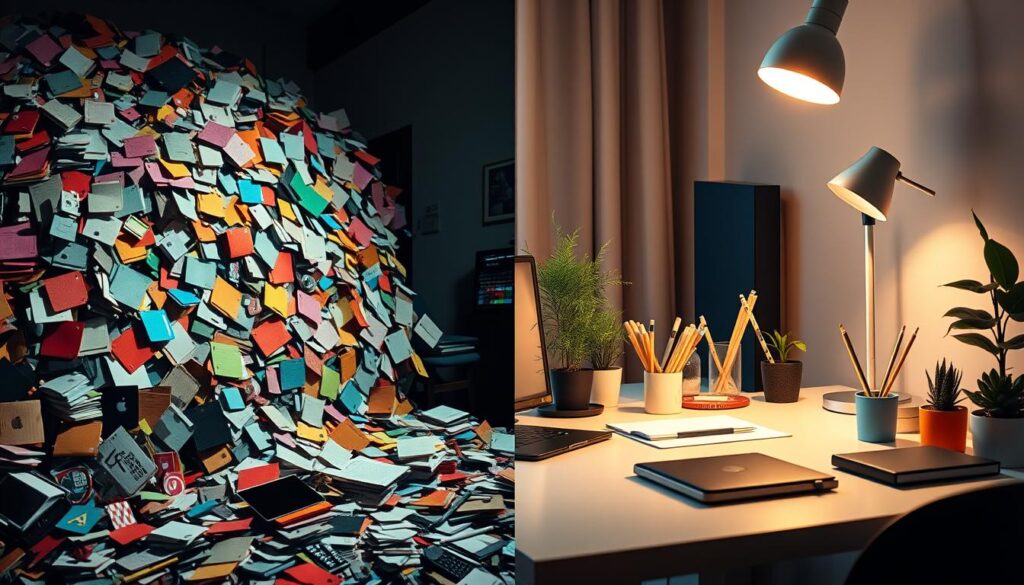
Digital vs physical order: what “clutter” means in files, media, and your environment
Clutter takes different shapes on a screen and a shelf, and each form changes how you make decisions.
Digital clutter shows up as desktop icons, a messy Downloads folder, duplicate copies, and long lists that hide chaos until you search. Many PC distribution systems are mostly online now, so installs and patches live in account systems more than on discs.
Digital examples
Files on a drive rarely feel curated. Endless menus and mixed file formats blur context, which raises friction when you try to retrieve media or a project.
Physical examples
Physical copies on shelves, tangled cords, and paper piles create visible categories. A shelf can feel intentional because you see boundaries and placement.
Access vs ownership
Access is how fast you open something. Ownership is whether you can keep and use it reliably. You may own a copy but still worry about future access when a platform controls licenses.
- Distribution trends make many purchases tied to accounts.
- Clutter equals friction, uncertainty, and repeated re-decisions.
- Others may choose minimalism or displays, but the goal is clear: reduce ambiguity about where things belong.
Desktop icons vs physical items: an A vs. B comparison of stress triggers
Icons on your desktop and items on a shelf trigger different stress signals that map to the same attention system. You’ll see how quick access trades off with constant visibility, and how each format creates unique friction for your focus.
Convenience and visibility
Your desktop gives instant access to files and games, so you save time opening what you need. That convenience can backfire when icons remain visible and generate nonstop visual noise.
Control and permanence
Deleting an icon is easy, but access to a purchase can vanish if an account is locked or a platform delists a title. A physical copy faces loss or damage, which is a different kind of risk.
Storage and time cost
Hard drive limits and multiple versions can bloat a machine. Drawers and shelves take space in your room and demand upkeep.
Searching nested folders or a platform library can break your flow just as scanning a shelf can. Each method has its own time tax.
- Instant access (desktop): fast but visually persistent.
- Clear boundaries (shelf): hides noise but needs physical space.
- Sharing: lending a physical copy is simple; platforms often restrict sharing for games.
In short, the chief advantage of one side is convenience; the main advantage of the other is clarity. Notice which trigger—visibility, uncertainty, or search friction—raises your stress and adjust how you store and display things accordingly.
What gaming and media distribution teaches you about digital clutter and calm
Distribution choices from publishers set the rhythm of your backlog and the mental weight of your library.
Why the rise of downloads matters: publishers favor distribution that cuts retail costs and allows preloading so you can buy, download overnight, and play on release day. That convenience fills your game list fast.
The risk of delisting and rotating catalogs
Titles can vanish from stores; Fire Emblem: Shadow Dragon & the Blade of Light left the Nintendo eShop after a limited window. That uncertainty pushes people to buy now, which creates mental open loops.
Subscription access versus ownership
Services like Game Pass or other subscription catalogs give wide access but rotate content. You feel pressure to start games before they leave, which adds to desktop and backlog clutter.
Price, rarity, and behavior
Price trends shape choices. A rare cartridge like Shantae for Game Boy Color can reach hundreds or thousands, while a past eShop download sold for about $5. That gap explains why you pick a cheap download even if you prefer a physical copy.
- Preservation issue: studies show many older video games are no longer sold, so availability is not guaranteed.
- Limited runs: scarcity campaigns create urgency and ongoing reminders in your head.
- Takeaway: when access depends on changing stores and services, you benefit from a simple personal system that reduces open loops and makes your library intentional.
When physical copies reduce stress and when they add it
Seeing a curated game shelf gives a simple, calming signal to your brain. That visible boundary makes a collection feel complete and intentional.
The calming “library effect”
An organized shelf shows categories, finished titles, and space for new games. You can scan and choose without mental searches.
This clear view lowers the nagging feeling that you forgot something and improves the overall experience of your collection.
When collectability becomes clutter
Collecting cases and boxes grows faster than shelf space. Then maintenance—dusting, indexing, and finding room—turns joy into a chore.
That burden can outweigh the advantage of tangible copies when years of buying create ongoing upkeep.
Risk tradeoffs and practical points
A lost cartridge on a trip is a real loss, while loss of access often comes from account issues or platform distribution decisions.
For example, some Nintendo Switch owners prefer games physical for resale and sharing. Still, scarcity and price can push you back to a download or a cheaper copy.
- Enable two-factor authentication to cut account-based risk.
- Keep a labeled shelf so items have a default home.
- Choose format by how it affects your money and stress.
Takeaway: physical reduces stress when it’s organized and bounded; it adds stress when it becomes an unplanned storage project.
How to create a calmer system in the present: aligning your desktop and your desk
Treat your desktop like a shelf with a deliberate home for every item. Decide which categories stay as a copy on your screen and which deserve a physical copy or boxed shelf space. That one rule helps you stop reacting to every new file or game.
Choose your default formats
Pick a default format for types of content: keep fast-access software and current game saves digital, and reserve physical boxes for items you want on display or resale value.
Desktop that behaves like a tidy shelf
Create three top-level folders: Active, Archive, and Temp. Use clear filenames and limit icons so your screen stops acting like a task board.
Rules to reduce duplicate copies
- One source-of-truth folder per project or game.
- Use simple versions: v1, v2, FINAL.
- Clean the Temp folder weekly to avoid repeated copies.
Plan for platform risk and focus
Protect your access with backups, a password manager, and two-factor authentication. Keep active work on your main drive and archive older versions to external storage so your desktop shows what you’re doing now, not everything you’ve ever touched.
Conclusion
Strong, practical steps help you close the loop on both desktop and shelf clutter. Keep visible icons to a minimum and treat active files like active games: they live where you work. This reduces constant micro-decisions and clears mental space for deeper tasks.
Physical copies calm you when they sit on a labeled shelf, while a single well-organized folder can tame digital games and video libraries. Most people mix formats. The point is not to pick one side but to match choices to your space, time, budget, and attention.
As publishers push subscription distribution and digital-first production, your personal system becomes the stabilizing base. Start today: minimize icons, set default storage, cut duplicates, and secure accounts so access stays dependable.