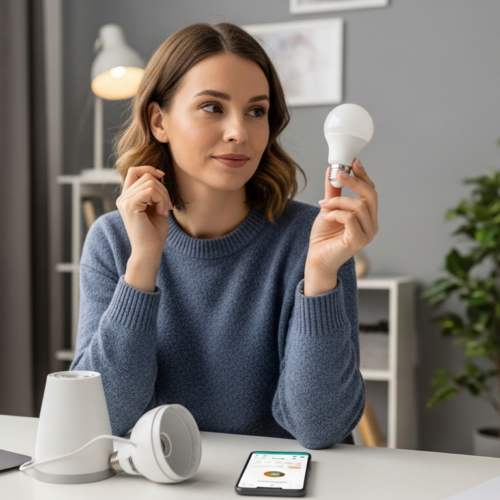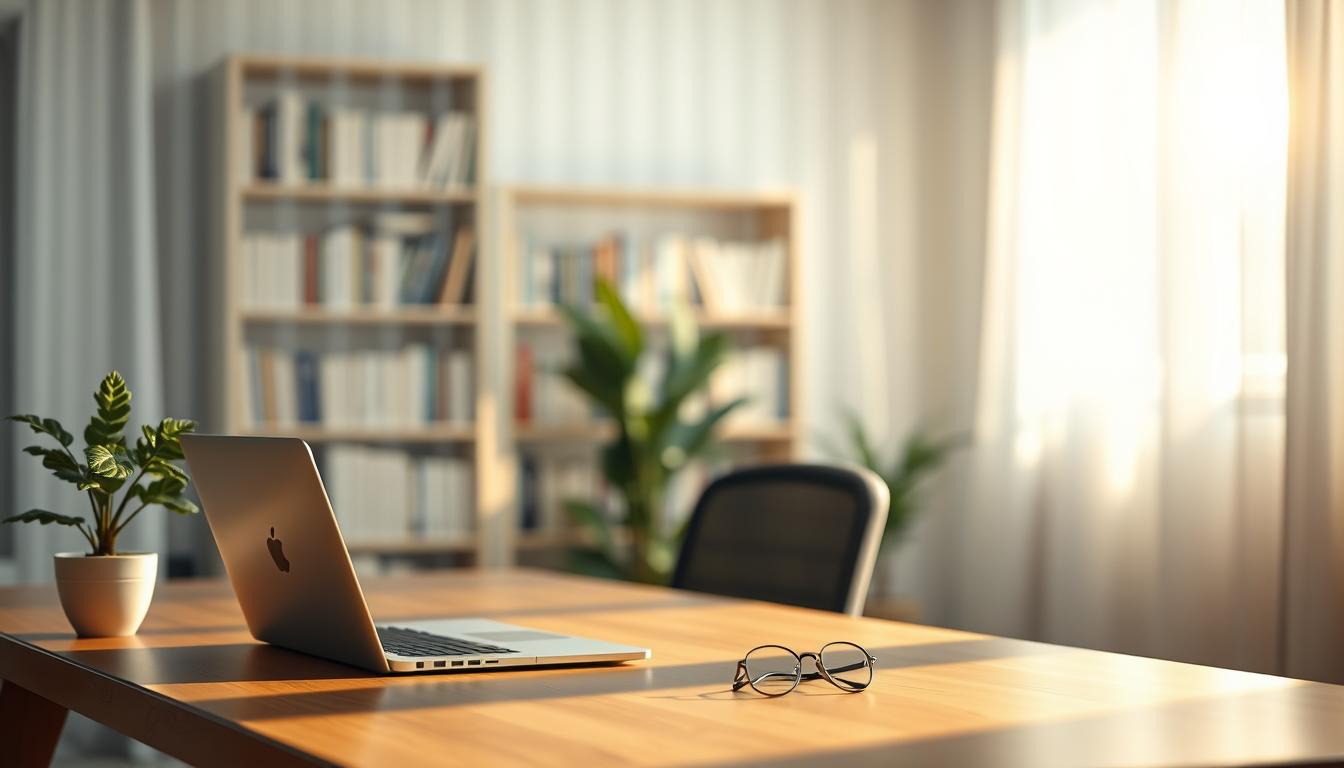
Softness in illumination is how gentle or harsh a source feels in your workspace. It matters because the same brightness can be easy on your eyes or cause fatigue depending on glare, contrast, and sharp shadows.
You’ll read a clear comparison of diffused vs direct light and learn when to choose each for computer work, reading, or long desk sessions. Studio teacher William Lulow showed how a simple sheet of paper over a flash cut glare and revealed more detail. That demo translates to everyday setups.
Visual comfort ties to contrast and reflections more than sheer brightness. Reducing harsh transitions means less squinting, fewer screen reflections, and a calmer environment for long tasks.
Throughout this course you’ll track key variables: light source size, distance, direction, surface reflections, and daylight control. Expect practical desk steps at the end that borrow proven studio principles for better daily experience.
What “soft light” means for your eyes and your workspace lighting
Soft light does not mean dim. It means gentle transitions, fewer harsh reflections, and lower contrast where your eyes must adjust. On a desk, soft lighting helps reduce fatigue and keeps your focus steady on screens, documents, and small objects.

Point sources and sharp shadows
A point light source, such as a bare bulb or a sunbeam through a gap, throws crisp shadow edges. That high contrast can make your workspace feel visually hard and force your eyes to chase bright spots and dark gaps.
Scattered rays and softer edges
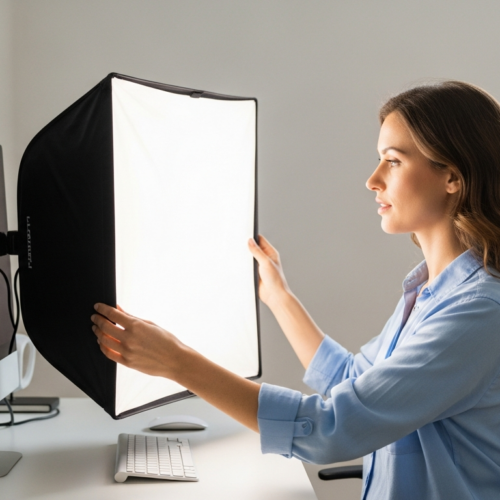
When rays are scattered by a shade, frosted cover, or even a sheet of paper, the result mirrors an overcast day. William Lulow used white copy paper over a flash as a simple example: the paper spreads rays and cuts glare, softening shadows around your monitor and keyboard.
Glare, perception, and visual comfort
Glossy surfaces and screens reflect bright hotspots back at you. Those reflections raise perceived brightness because of strong contrast next to darker areas. Diffusing the source often feels better than simply increasing or lowering brightness, since it smooths contrast across the subject and nearby surfaces.
- Define soft lighting: smoother transitions, less glare.
- Fix hard shadows: enlarge or diffuse the source.
- Reduce reflections: cover glossy surfaces or change angles.
Diffused vs direct light: how they change shadows, contrast, and glare
How a light source hits your desk changes shadows, color, and what you can see. Hard, small sources make crisp shadow lines that can hide detail on objects. Larger sources produce smoother transitions that keep texture and small print readable.
Shadow edges and detail on objects
Crisp shadows increase contrast and can swallow detail in darker areas. Softer illumination preserves tonal steps and helps you read printed pages and inspect objects without squinting.
Glare on screens and glossy surfaces
When sunlight or a bare bulb hits a monitor, reflections become hotspots that steal attention. Reducing that point source or adding a scatter cover cuts glare and improves viewing comfort.
Source size, distance, direction, and technique
Make the source appear larger relative to the subject for softer results: move a diffuser closer or choose a wider fixture. Front placement flattens, side adds modeling, and edge placement creates rims—use each with purpose.
- Rembrandt at ~45° adds drama but raises contrast.
- Side placement helps texture but may increase shadows.
- Soft, large fill reduces facial or object shadowing for long tasks.
Environment and color perception
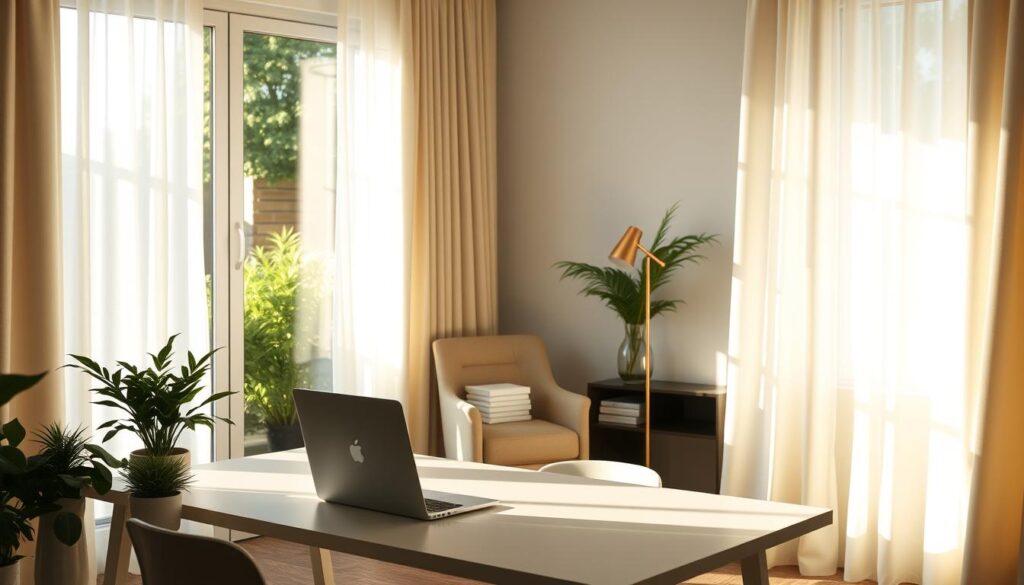
Sunny days bring sharp highlights, cool sky bounce, and warm ground reflections that shift surface color. Overcast skies flatten tones and lower contrast, which often feels kinder for long work sessions.
How to set up diffuse light at your desk to reduce eye strain
Set up your desk so that softer illumination removes hotspots and keeps your eyes relaxed during long tasks.
Diffuse the source
Scatter rays with a translucent cover such as a frosted diffuser, lamp shade, or polycarbonate panel. Scattering rays reduces harsh reflections and softens shadows on your monitor and papers.
William Lulow showed how white copy paper over a flash cut glare. Use safe desk options instead of heat-risk materials.
Go bigger, not brighter
Choose fixtures that create a larger emitting area. A wide shade or diffused panel spreads light across the work area and lowers contrast on the subject.
Control placement
Keep lamps off the axis of your eyes and avoid pointing the main source at screens. Place a desk lamp on the opposite side of your dominant hand to reduce writing shadows.
Manage daylight
Handle direct sunlight with blinds or curtains, rotate your desk, or angle the screen so sunlight misses glossy surfaces. Controlling daylight often gives the fastest reduction in glare.
- Quick checks: look for bright hotspots on the screen.
- Adjust diffusion or position if you see harsh shadow edges on paper.
- Change placement until reflections on glossy surfaces calm down.
Conclusion
In daily desk work, how you shape your main source will decide whether your eyes tire or stay steady. Make the emitting area larger or add a translucent cover and you’ll cut harsh contrast and reduce glare. This simple change keeps your workspace feeling calm.
Diffused setups soften shadows and help objects retain readable detail on a smooth surface. If you see bright reflections or sharp shadow lines, try moving the fixture to the side or adding a scatter panel.
Control the size of the source, its placement relative to the subject, and how reflective each surface is to tune overall lighting. These levers change the environment and the way objects appear.
One practical rule: if reflections or hotspots bother you, prioritize more diffusion and smarter placement. Direct light still has a role for a dramatic effect, but for most work sessions this approach improves your experience and steadier levels of comfort.