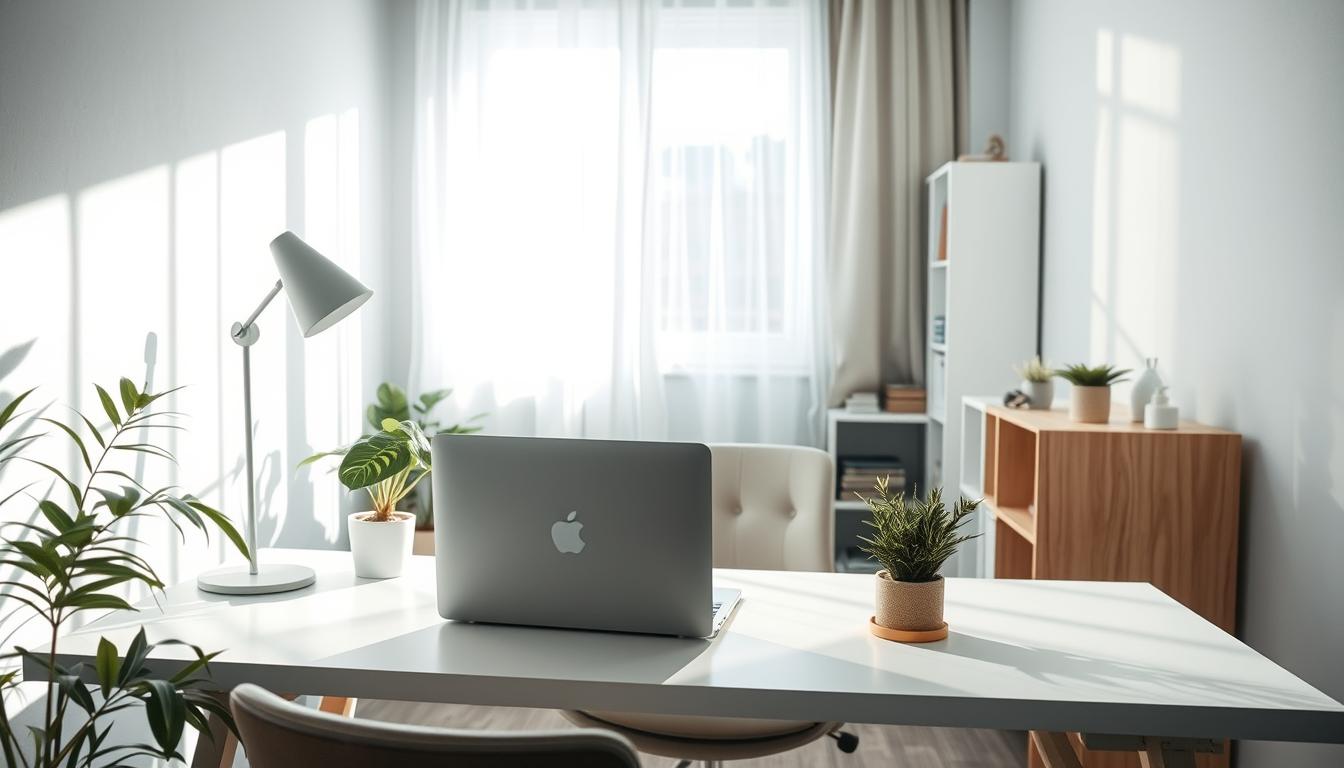
You work in a tight space and notice glare on your screen, harsh facial shadows on video calls, or areas that feel too bright or too dim. These signs point to common lighting errors that show up when desks sit near walls and one overhead source does all the work.
This short guide explains the five layout and lighting problems you see most often. You will learn how to spot each issue fast and make fixes that do not need a remodel.
Experts recommend layered solutions—ambient, task, and accent—to add depth and ease eye strain. The wrong fixture direction can cause screen glare and uneven brightness that tires your eyes.
Practical steps follow in the article. You will get clear advice on where to place lamps, which areas to brighten, and how to balance comfort and energy use in a home office that must support both work and rest.
Common lighting errors in small office design that create shadows and eye strain
A single ceiling fixture can throw sharp shadows across your desk and make screens hard to read. In a tight room, that one overhead source often becomes the visual center—and not in a good way.
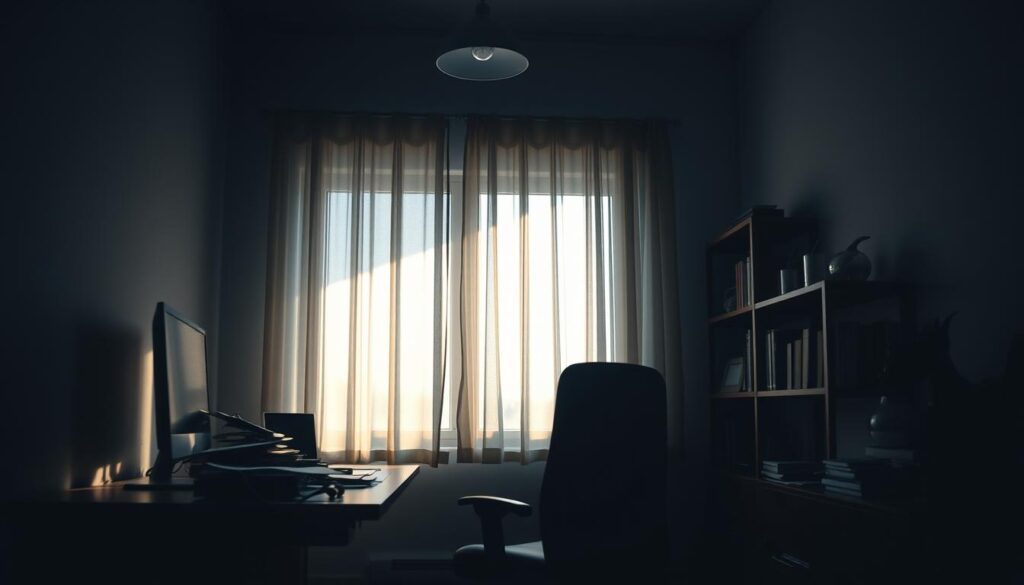
How overhead light placement produces unflattering shadows on your desk and screen
When your desk sits under a downlight or centered fixture, your hands, chair back, and monitor cast hard shadows. That contrast makes tasks harder and tires your eyes faster.
Why glare matters more than brightness in tight home office spaces
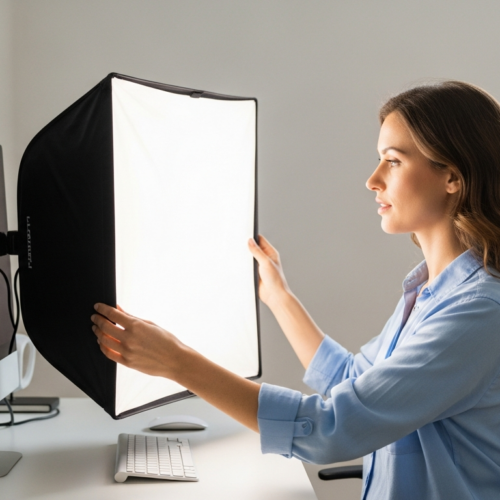
Designers define glare as being able to see the source of light. You can have plenty of light yet feel worse if the bulb or a reflected hotspot pulls your attention from work.
Quick self-check: where your eyes feel strain during the day vs. after sunset
Try this five-minute audit now and later tonight. Note when your eyes ache or you squint at the screen, then compare results. If strain appears at specific times, your layout or fixture aim is likely the issue.
- What to look for: harsh back shadows, screen reflections, and bright spots in your line of sight.
- Good setup: soft ambient fill, a directed task lamp, and no direct view of bright bulbs.
- Fixes: repositioning and targeting usually help more than buying brighter lights.
Over-reliance on overhead and recessed lights that flatten your space
An all-over overhead plan can leave walls washed out and work surfaces oddly bright, making the room feel flat. Too much top-down illumination forces one system to do everything and removes the subtle cues that give a room depth.
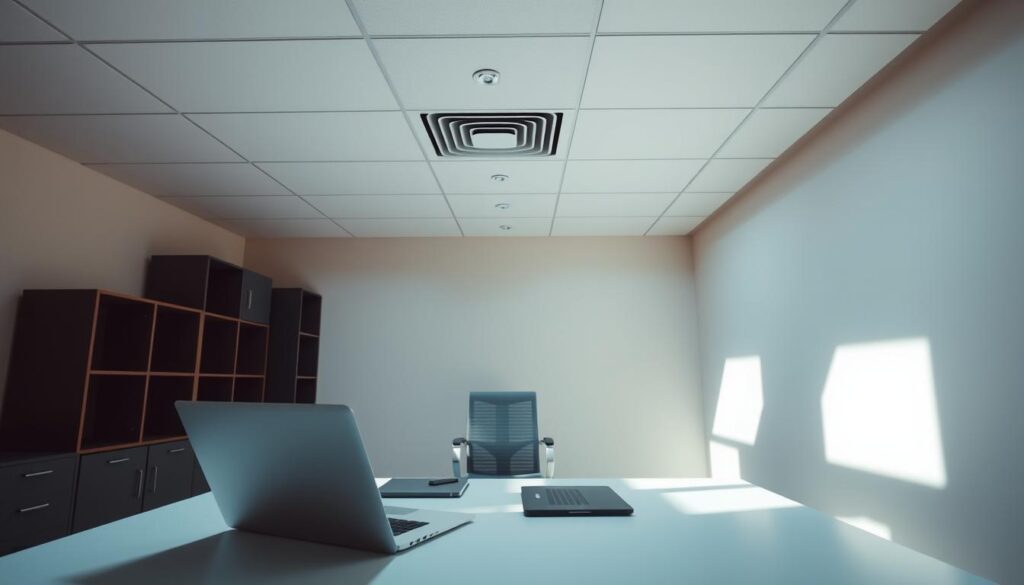
Why the “Swiss cheese” ceiling problem matters: clustered recessed cans make a dotted ceiling and produce hard horizontal glare as you move. That pattern feels sterile and can cause eye fatigue in a small office.
How to build layers in one small room: combine soft ambient for general visibility, a directed task light for the desk, and a small accent to lift walls and corners. This approach adds depth and better visual balance.
- Swap glare-bomb fixtures for shaded lamps or wall sconces.
- Choose recessed optics that hide the source and aim light where you work.
- Add accent options: bookshelf lights, a corner uplight, or a picture light.
Simple result: a layered plan improves comfort, reduces eye strain, and makes your interior feel intentional rather than flat.
Misplaced task lighting that puts shadows where you need visibility most
Task lamps often miss the mark in small offices, throwing shadows where you need clear sight. A lamp behind your hand or pointed too high can create heavy writing shadows or send glare to your monitor.
Desk lighting placement tips to reduce monitor reflection and hand shadows
Position your task light on the side of your non-dominant hand to cut hand shadows while you write.
Aim the beam at the work surface, not at your eyes or the screen. Use adjustable arms and shades so you can tweak angles through the day.
Directing light to the right things: work surfaces, not the ceiling
Light the keyboard, notebook, and desk edges—not the ceiling. Focused pools of light make tasks easier and let the rest of the room stay softer.
- Choose an LED task lamp with a diffuser to avoid a harsh point source in your sight line.
- Avoid placing lamps where they can reflect directly on the monitor; test angles before settling.
- Good placement reduces ugly face shadows for video calls and keeps other people in the room comfortable.
When your task lighting is set right, the small room functions better. You keep eye strain low while keeping the overall room mood calm and usable today.
Wrong color temperature and inconsistent bulbs that disrupt focus and comfort
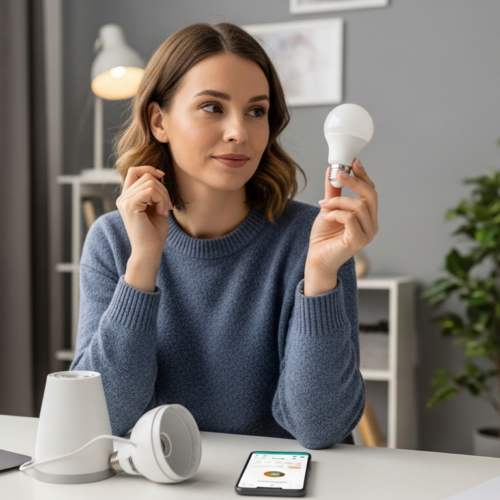
Mismatch in bulb color can make your small office feel off and break your focus. Color shifts across walls and screens create distraction. You need a simple plan to restore balance.
Understanding Kelvin so you shop with confidence
Kelvin numbers tell you how warm or cool a light looks. Lower Kelvin = golden warm. Higher Kelvin = blue-white and cooler.
Rule of thumb: aim for 2700K–3000K in most home offices. That range keeps the mood warm enough for comfort but clear enough for work.
Standardize bulbs and fix mixed-color rooms fast
Mixed bulbs usually happen when you replace one bulb at a time or buy “daylight” by accident. The result is a patchy room and uneven skin tones on video calls.
- Pick one target color temperature for key fixtures.
- Match lumens so brightness feels even across the room.
- Update high-impact lights first—desk, overhead, and wall fixtures.
Dim-to-warm LEDs and dimmer compatibility
“Daylight” bulbs can feel institutional after sunset and may interfere with your wind-down time. Dim-to-warm LEDs mimic incandescent warmth as you lower light.
Before you buy dimmers, confirm bulbs are dimmable and use LED-rated dimmer switches. Flicker or uneven dimming means the bulb and fixture are not matched.
Quick result: consistent color temperature and the right controls reduce visual distraction and help you shift lighting by time of day for better focus and comfort.
Conclusion
You can change how your space feels and performs with a layered lighting plan.
Recap: the five layout mistakes come from over-reliance on one source, wrong fixture placement, poor task setup, mixed bulb color, and fixture size that overwhelms a small room. The single, most important fix is simple—stop trying to solve everything with an overhead fixture and build ambient, task, and accent layers.
Prioritize reducing shadows at the desk, cutting glare on the screen, and keeping the ceiling from being the brightest area.
Next steps: check fixture placement and size, standardize bulb color, add task lights where you work, and use small accents to restore depth. Targeted task light and dimmers lower energy use without losing comfort.
When ambient, task, and accent types work together, your office looks better, feels better, and supports focus day and night.