

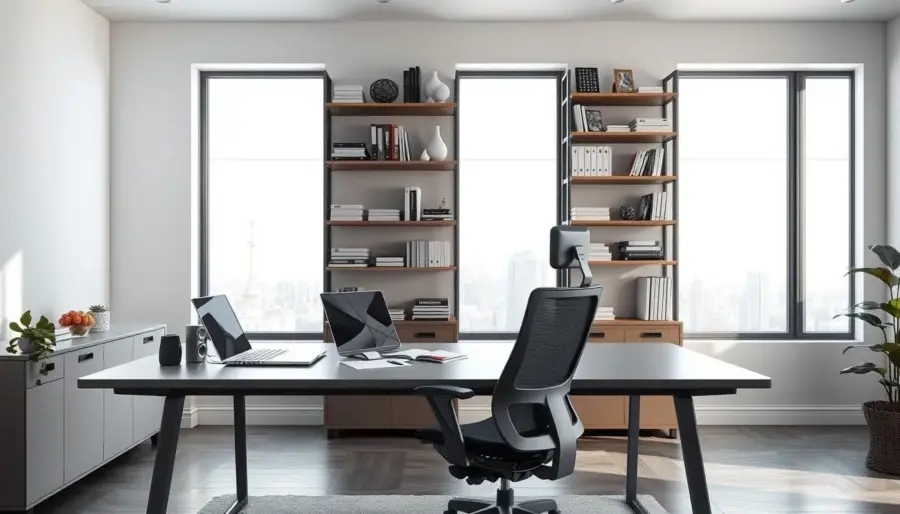
Side-desk storage means using the vertical side of your desk to add pockets, hooks, and trays so you keep tools close without widening your setup.
You’ll find a roundup that compares side-mounted organizers, magnetic holders, hanging pouches, and under-desk drawers based on what you keep and how you work.
The main payoff is clear: more usable desk storage while your main surface stays open for typing, writing, and projects. Expect bins, cups, hooks, file holders, and attachable drawers in the list below.
This guide suits your home workspace, office, dorm, or classroom when every inch matters. You’ll learn which pieces hold pens, chargers, files, and bulkier items best.
Before you buy, measure your desk, note daily-grab items versus occasional ones, and pick attachment methods that protect finishes. These steps help you reclaim working room and keep clutter off the top.
Why vertical desk-side storage beats adding another drawer unit
A vertical add-on keeps your tools within reach while freeing the desktop for real work.
Adding a rolling drawer unit may give you volume, but it also adds floor clutter around your chair. You lose legroom and a clear walking path. A vertical approach keeps the floor area unchanged so your office desk zone stays open.
“No added footprint” means relocating items from the desktop and top surface to the desk’s side without expanding the area your chair or feet use. That matters in small rooms and shared offices.
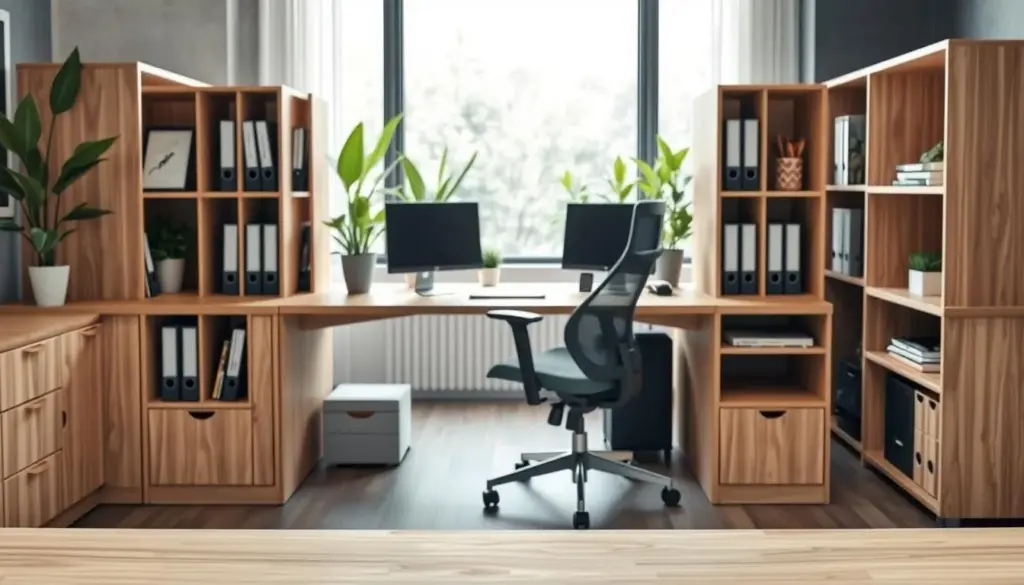
Common culprits are simple: pens, loose supplies, file stacks, chargers, and small accessories. These create noise that steals time.
- Keep walking paths clear: vertical add-ons avoid crowding around chair legs.
- Match the mess: compartments for small-item sprawl; files for paper overload; drawers for hidden clutter.
- Zone your setup: near-hand storage for daily tools, farther side spots for backups and bulk.
- Save time: every minute spent hunting is friction in your workflow when you switch tasks.
Side-desk storage: what to look for before you buy
Start by listing what you grab every day; that list drives the type of organizer you should choose. A quick inventory separates high-use tools from occasional items and prevents buying add-ons you won’t use.
Compartment count and layout for your daily tools
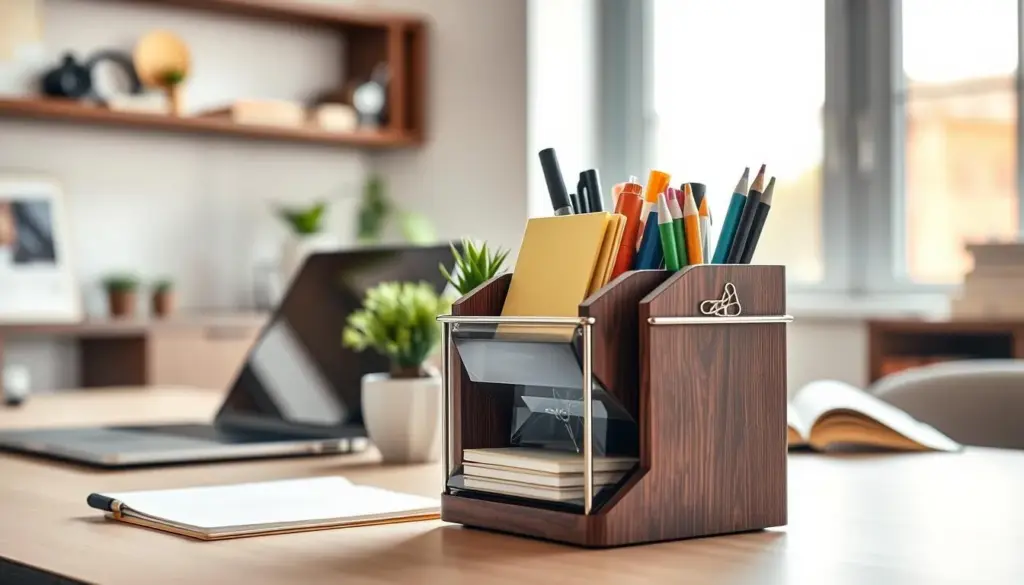
Match compartments to habit. If you reach for many tools, pick a multi-section desk organizer so pens, notes, and clips each have a home.
Convenience features that change daily use
Look for rotating access and quick-grab trays. Rotating organizers improve reach in tight side zones. Trays keep small parts visible and cut search time.
Attachment method: magnetic, hook-on, clamp, or stick-on
Choose magnetic for metal surfaces, clamp for strong grip, hook-on for fast removal, and stick-on for low-profile installs under the desktop.
Weight capacity and stability
Prioritize rigid builds and strong mounts if you plan to hold books, a tablet, or a water bottle. Measure side thickness and clearance so the organizer won’t hit your chair or knees.
- Start with an inventory of daily items and stored extras.
- Pick compartments that prevent a junk-box effect.
- Confirm mount strength and product dimensions before you buy.
Best side-mounted desk organizers for everyday supplies
Pick organizers built for daily reach: the right unit keeps pens, highlighters, scissors, and sticky notes handy while your main surface stays clear.
Pen holder and pencil cup options with multiple compartments
Multi-compartment pen holders beat single cups because they separate pens from markers, rulers, and scissors. You grab faster and avoid rummaging.
For a budget anchor, consider a 4-compartment pen holder 2-pack around $14.99. If you only need pens off the top, a magnetic pencil cup runs roughly $7–$9.
Mesh and steel organizer styles for a professional look
Mesh and steel builds read as office-appropriate. They keep contents visible and tidy, and they resist dents and scuffs better than thin plastic.
Plastic and acrylic desk organizer picks for lightweight storage
Plastic and acrylic are light and affordable. They mount easily on smaller desks and won’t pull at fragile edges.
- Curate everyday supplies: pens, sticky notes, scissors.
- Check compartment depth for long pens and rim height to prevent spills.
- Confirm protrusion so the holder won’t hit knees or chair arms.
Best under-desk and side-attach storage drawer solutions
Mountable drawers hide everyday items so your desktop stays clear and professional. You mount these units beneath the top edge and slide them out when needed.
Stick-on under desk drawer organizers for hidden desk storage
Stick-on under-desk drawer organizers attach with adhesive or screws. They work well for spare pens, sticky notes, cables, and small tools.
Tip: a common market option sits around $13.99, but always check dimensions before you buy.
Sliding storage drawer sizing: what fits your desktop space
Measure underside clearance so the drawer won’t hit your knees or chair arms. Confirm the length won’t block support beams.
- Shallow drawers suit slim desktops and hold pens and a small tray.
- Deeper boxes fit calculators or small notebooks.
- Performance checks: test sliding smoothness, a stop-lip to prevent spills, and whether the interior functions like a tray or deeper compartment.
Best magnetic side-desk storage for metal desks and monitor risers
Magnetic add-ons are ideal when your desk, side panel, or monitor stand is metal. They snap on instantly, reposition without tools, and keep your work surface clear.
Magnetic organizer bins for small office supplies
Magnetic bins hold clips, erasers, adapters, and USB drives so small items don’t vanish. They attach to a steel panel and move with your routine.
Price note: expect a Magnetic Organizer near $9.09. These are perfect for frequent-reach items that clutter drawers.
Headphone and utility hooks for cables and accessories
Hooks clear cords and headphones from your chair and keyboard area. They reduce tangles and make accessories easy to grab.
MagnetPlus Headphone/Utility Hooks run about $10.86 and are a simple cable-control upgrade.
Magnetic pop-up note dispensers for quick reminders
Pop-up note dispensers sit on a metal riser or side panel so you can jot and stash reminders fast. The quick access encourages short, useful notes.
Expect pop-up dispensers near $8.44 — a small cost for a big boost in task capture.
Magnetic pencil cups to keep pens off your desktop
Magnetic pencil and pen cups free your top surface while keeping writing tools within reach. They cost about $7–$9 and pair well with larger units.
- Monitor-riser pairing: If you use an all-steel monitor stand (e.g., MagnaTrack 22″ ~$114.99 or 36″ ~$149.99), add magnets to turn the stand into a modular organizer system.
- When to choose magnetic: your surface is metal and you want repositioning without damage or tools.
Best hanging side sacks and file holders for paper, folders, and notebooks
If paper piles steal your focus, hanging side sacks give you a fast, no-tools way to reclaim your desk surface. These organizers hook over the edge or hang from a riser so folders, notebooks, and current projects sit visible but off the top.
Side-hanging file organizers that keep documents within reach
Side-hanging file holders keep letter-size files upright and sorted. You access active files quickly and avoid stacks that hide important pages.
Choose a holder with deep pockets and reinforced stitching to protect heavier files and client packets.
Soft storage bags for home office and shared spaces
Soft sacks are shared-space friendly: they are quieter, lighter, and easy to move when you hot-desk or share an office desk.
They also drop on and off without tools, avoiding damage to finishes and saving setup time.
- Best when paper is the main clutter: folders, notebooks, and ongoing project files.
- Use file holders for billing, church or office admin work, and client packets.
- Selection tips: slot count, letter-size fit, stitching strength, and how far the bag hangs from the side.
For workflow, keep active projects in hanging file slots and reserve drawers or a small box for pens and small tools. This split keeps your desktop clear and your headspace focused.
Desk-side storage for students and small workstations
When space is tight, clever side organizers let you keep supplies handy without crowding the desktop. Students and small home offices need a clear top for writing, screens, and creative work.
How to keep the desktop clear for writing, creativity, and learning
Use a Seat Sack or hanging pouch to move glue sticks, notebooks, and a tablet off the top. A single side pocket holds current work while a small box stores extras. This keeps your desk open for writing and projects.
Fast on/off solutions with no damage or complicated installation
Pick hook-on or over-edge sacks that hang without adhesives or screws. They attach quickly, remove in seconds, and meet school or rental rules that forbid permanent fixes.
- Frame the problem: you need the desktop clear but want supplies within arm’s reach.
- Support learning: visible, organized tools cut distraction and speed transitions between tasks.
- Packing list: glue sticks, books, notebooks, tablet, water bottle — match these to side sacks vs. bins vs. drawers.
Simple system to try: one hanging organizer for daily tools, one file pocket for papers, and one small box-like bin for backups. Choose based on desk size, school rules, and how often you move the unit.
Materials and build quality that match your space and style
Choosing the right materials shapes durability, weight, and the look of your desk system. Match the build to how you use the area and the mood you want to set in your home or office.
Wood pieces for a classic home feel
Wood desk organizers bring warm tones and furniture-like styling. They suit a home workspace where you want a cohesive, lived-in look.
Wood is heavier and often more durable, but check finish quality and joinery before buying.
Metal and solid steel for busy offices
Steel builds resist bending and carry heavier loads. Metal organizers stand up to daily wear in a high-traffic office and look purposeful on a professional desk.
Mesh for visibility and airflow
Mesh organizers let you see contents at a glance and avoid a stuffed-bin look. Airflow also keeps paper and fabrics fresher.
Plastic and acrylic for budget-friendly, lightweight options
Plastic and acrylic are easy to move and wipe clean. They work well when you experiment with layouts or need low-cost solutions.
- Check welds, joints, and edge finishing before purchase.
- Match material to load: heavy items need steel; frequent movers benefit from plastic.
- Consider coating quality and hardware strength for long-term use.
Color and design choices that look intentional, not cluttered
A thoughtful color scheme can make an organizer blend in or become a deliberate accent. Match tones to your room so add-ons feel like part of the setup, not a collection of mismatched pieces.
Minimalist neutrals: white, black, clear plastic
Choose white or black when you want the side additions to fade into the background. Clear plastic works well when you want to find small items at a glance without opening drawers.
Statement finishes and playful color
Gold or bright pink turns a small hook or cup into decor for your home. Use bold tones when you want personality; keep one accent color maximum to avoid a patchwork look.
- Match palette: aligning your organizer with the desk and walls makes clutter seem intentional.
- One accent rule: pick a single pop color across hooks, bins, and cups.
- Work vs. home: neutrals read more professional in an office; bold hues can boost focus at home.
Keep consistency across side add-ons for a clean, cohesive style that preserves a clear desktop and improves how your workspace reads.
Placement ideas that maximize vertical space on the side of your desk
Arrange vertical organizers so the things you use most sit within easy reach. Place daily tools on your dominant side to build a consistent near-hand zone that speeds tasks.
Use an out-of-the-way zone on the opposite side for backups and bulk items. This keeps the desk top clear and reduces visual clutter.
Near-hand zones vs. out-of-the-way zones for better workflow
Keep pens, notes, and your most-used adapter in the near-hand zone. Rotate access or a small rotating organizer to improve reach without moving your chair.
Reserve the opposite side for boxes, spare cables, and less-used items so they don’t crowd your active space.
Pairing side storage with a monitor stand or riser
Raise your display with a stand to free the area beneath for small bins or a tray near your elbow. An all-steel monitor stand (22″ or 36″) also supports magnetic add-ons, so you can reconfigure hooks and cups without tools.
- Placement strategy: near-hand on your dominant side; backups on the far side.
- Reduce friction: vertical placement keeps the top open and prevents stacks where you write or use the mouse.
- Quick-drop tray: place a shallow tray low and near your elbow for clips and USBs — check it weekly to avoid a junk pile.
- Ergonomics: avoid heavy mounts at knee or hip level and keep clearance from chair movement.
- Try before you mount: tape paper outlines for one week to test placement before committing.
How to choose the right compartment mix for your workflow
Map your reach: place open compartments where you habitually grab items, and reserve closed boxes for occasional use. This keeps your top surface clear and your movement efficient.
High-frequency items: pens, scissors, notes, and clips
Keep everyday tools in open compartments so you can grab them without pausing. A multi-section pen holder gives each category a consistent home and cuts search time.
- Use open trays for notes and clips so you can drop and retrieve quickly.
- Choose a pen holder with at least three slots: writing tools, markers, and scissors.
- Consider rotating access if you reach for many items; it improves reach without more footprint.
Bulk items: boxes, notebooks, and files
Put larger boxes and file bundles into deeper pockets or a drawer so they don’t topple. Reserve a closed box for backups and infrequent supplies.
- Group items by frequency, then assign them to open compartments, closed boxes, or a small drawer.
- If the organizer is always overflowing, add a second box or a larger desk organizer layer for backups.
- When buying, match the product to your list—avoid extra capacity you won’t use.
Shopping tips for US buyers: value, shipping, and product details to confirm
Smart shoppers factor in shipping and extras, because a low sticker price can rise once freight and add-ons are included. In the US, free shipping thresholds change the best buy.
When free-shipping thresholds matter
If free shipping begins at $99 (contiguous US), bundling hooks, holders, and small organizers into one box can save money versus separate orders.
Dimensions, materials, and what “attachable” includes
- Confirm exact measurements so the item fits your desk and under-stand clearance.
- Check mounting method and whether the box includes hardware, adhesive, or clamps.
- Verify material for heavy loads or magnet use on a monitor stand or metal riser.
Quality and compliance signals for school and home use
Look for CPSIA and flammability test claims and Proposition 65 compliance if you buy for classrooms or kids. These labels show the product meets common safety rules.
Final buyer move: confirm return policy and measurement diagrams before checkout so your new organizer fits your office desk and your expectations.
Conclusion
Conclusion
Close by selecting one targeted solution that moves clutter off the top and into reach. Using the side of your desk gains real desk storage without adding bulk or losing legroom.
Follow the simple framework: list items, note frequency, choose the right organizer type (open compartments, magnetic bins, file holders, or a desk drawer), and confirm the attachment method. Prioritize one problem area first—pens and tools, paper and files, or hidden clutter—and buy one clean fix.
Then pair that piece with a shallow tray and, if helpful, a small stand to open vertical surfaces. Measure your desk, confirm mounts, and pick an office desk organizer that keeps your workflow smooth and your desktop clear.


